Start and follow a document workflow
A workflow routes a document through review, approval, signing and automated processing. Start one from a document's workflow action, or let the destination folder's configured default start it after upload.
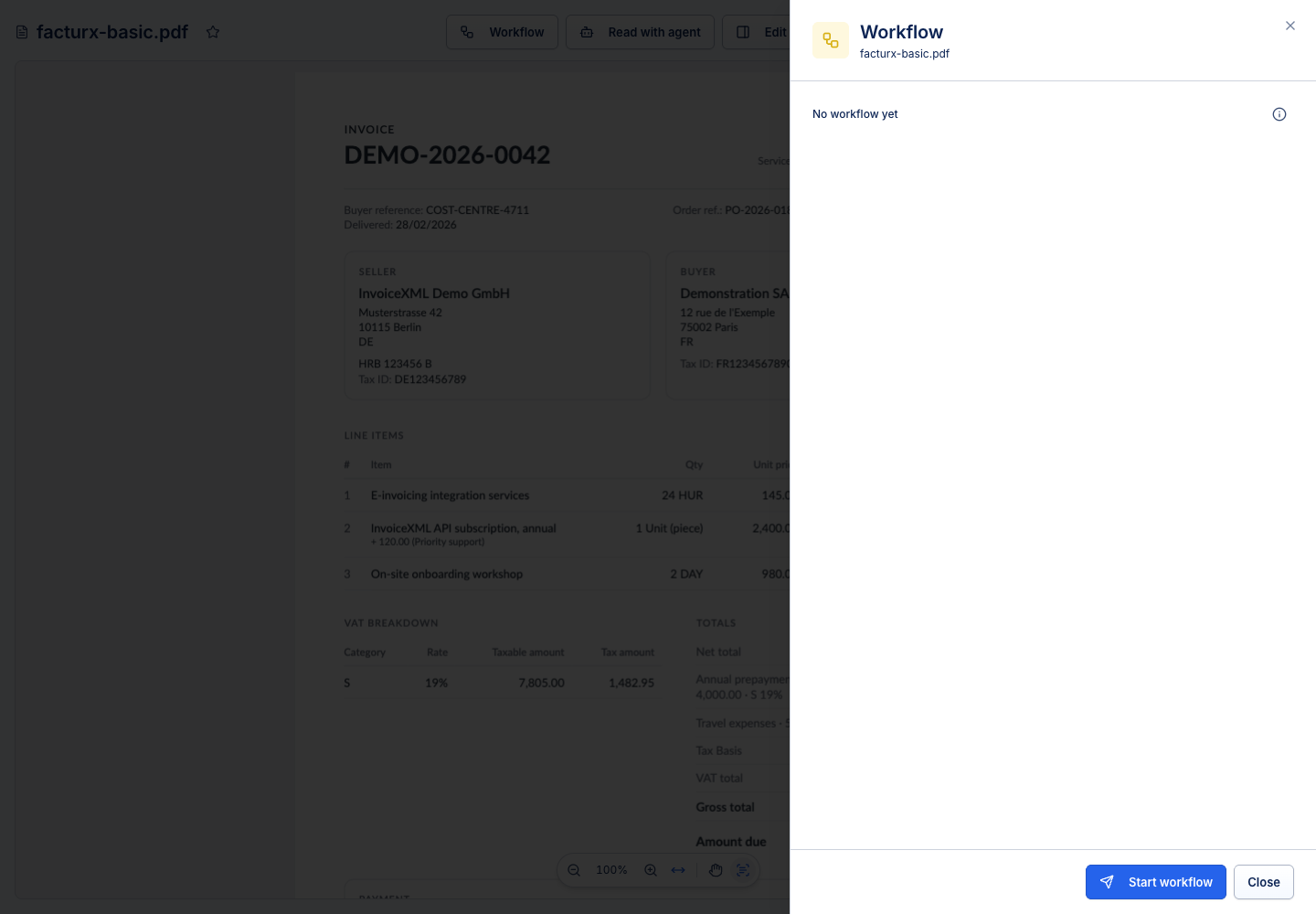
Send a document
- Open the correct document and check its current version.
- Choose the workflow/start action offered by the document.
- Select a saved workflow, or configure the steps permitted for your account.
- Review participants, instructions, deadlines and download choices.
- Start the workflow, then follow My tasks → Sent by me.
A saved workflow provides a repeatable route; changing that saved definition is an administrator task. Ad hoc workflows containing automated file actions require administration access.
Read the timeline
Human steps wait for the assigned people or groups. A condition chooses a branch from the data available when its stage opens. An AI step waits for a read and then takes Extracted or Needs review. API calls and file actions report Success or Failure.
Returned work can revisit an earlier stage. A rejection or cancellation is different from a successful completion. Read the final status and step result before assuming the document was approved or an external system was updated.
Correct data during review
An eligible reviewer or editor can correct agent values in the document's Data pane. Save the correction before completing your task so later conditions, API calls and file actions can use it. Text typed into a PDF is not automatically read back into an existing extraction.
The app refreshes an opened document while its workflow remains active. Closing the document or completing the workflow stops that active-document refresh; keep your own unsaved edits until you save them.