Compare document versions
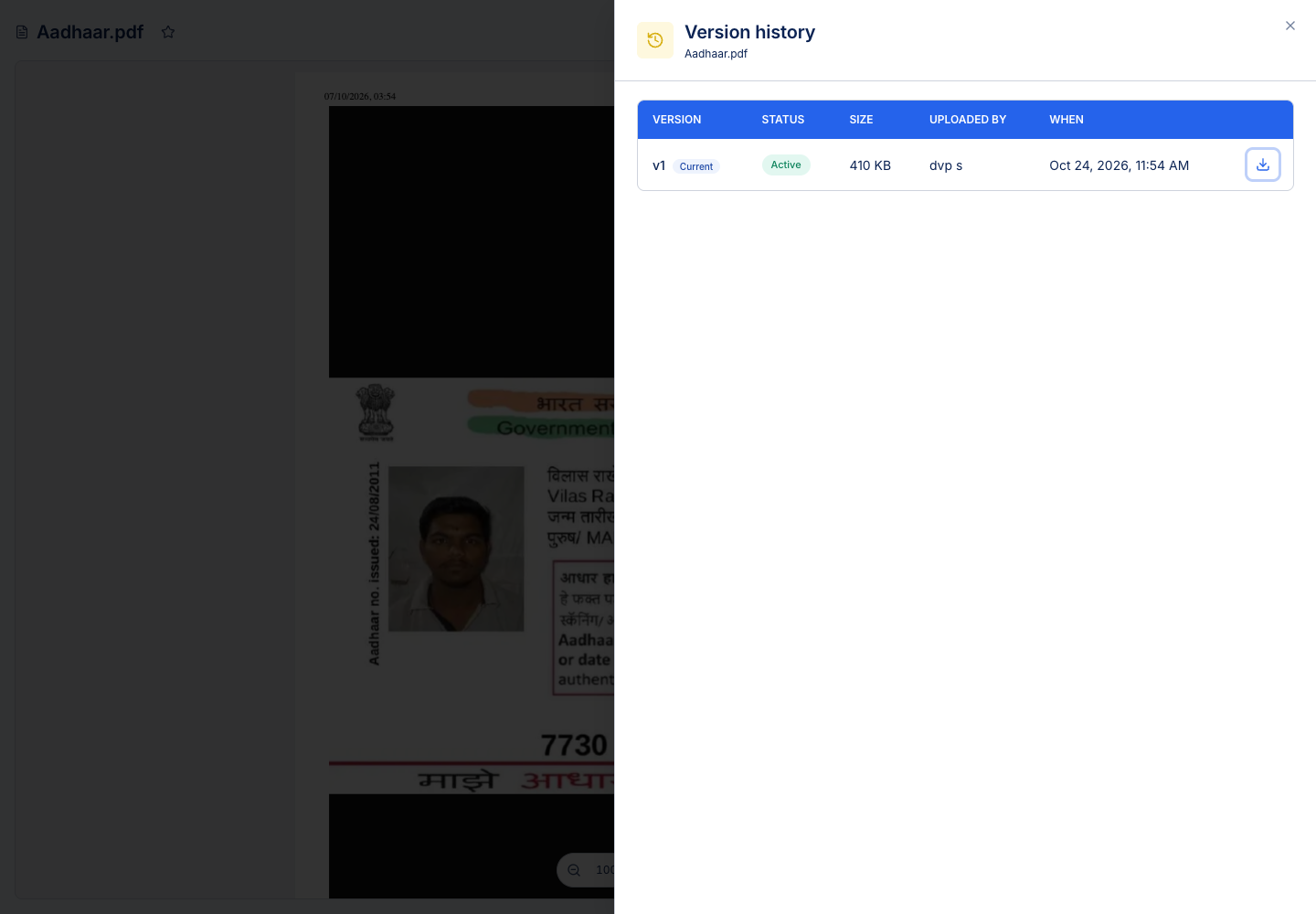
Open More → Version history, select two usable versions and choose Compare. Alternatively, use an older version's compare action to compare it with the current version.
Compare PDFs
Read the earlier and later versions alongside the list of detected changes. The PDF comparison can identify text differences, picture-placement changes and supported drawing/shape changes. Use page and zoom controls to inspect the source around a highlighted result.
A scanned PDF may not contain embedded text. Without readable text, the comparison cannot invent the missing characters. Check the page images as well as the change list.
Compare text
Supported text formats include text, Markdown, JSON, YAML, XML and CSV. The comparison shows changed lines and word highlights, with controls for moved content and whitespace differences where offered.
For structured files, a textual difference is not a semantic validation of the data. Confirm that changed JSON, YAML or XML still parses when editing it.
Comparison is read-only. Use download or restore from Version history if you need to act on a version.