Search names, content and metadata
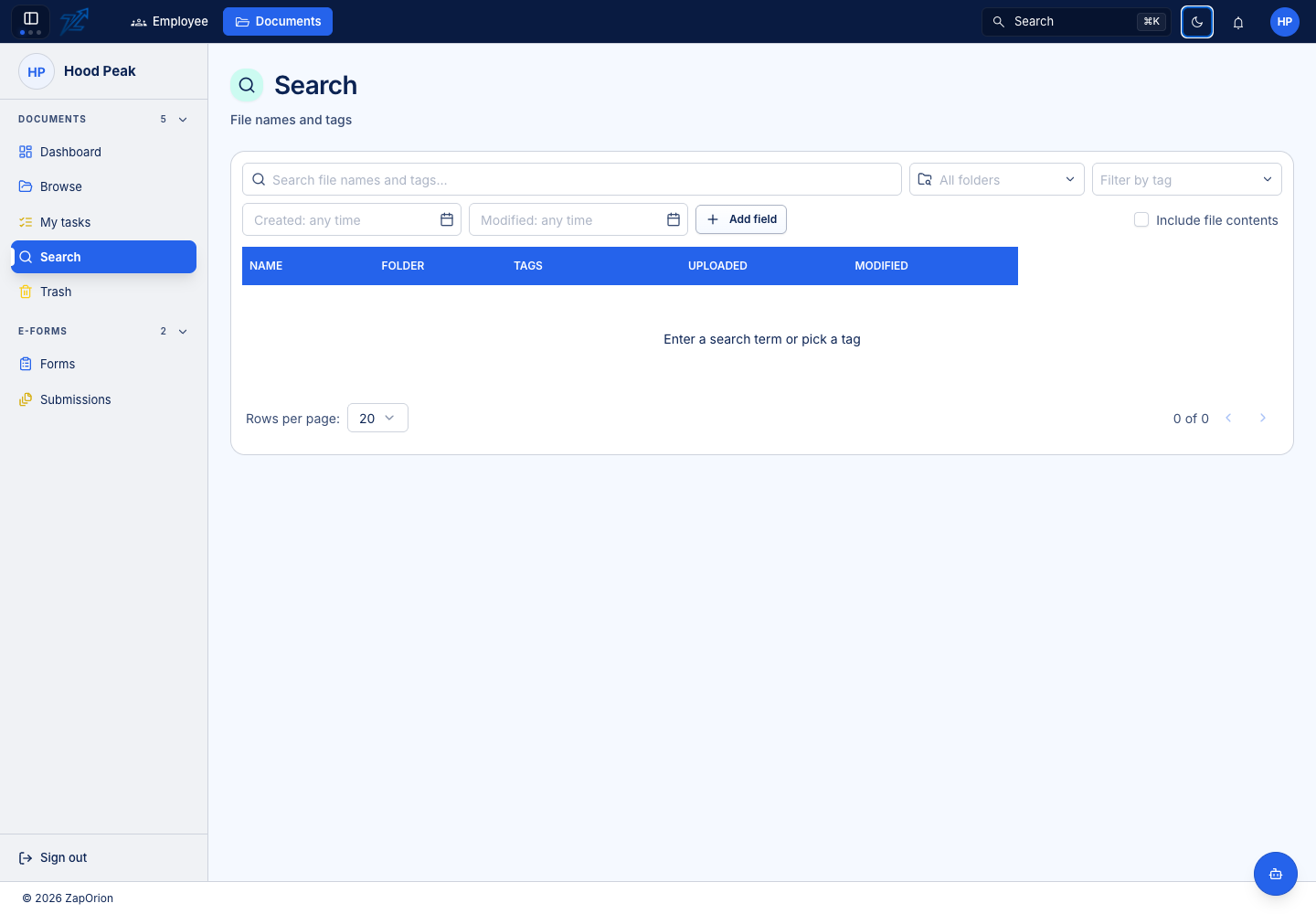
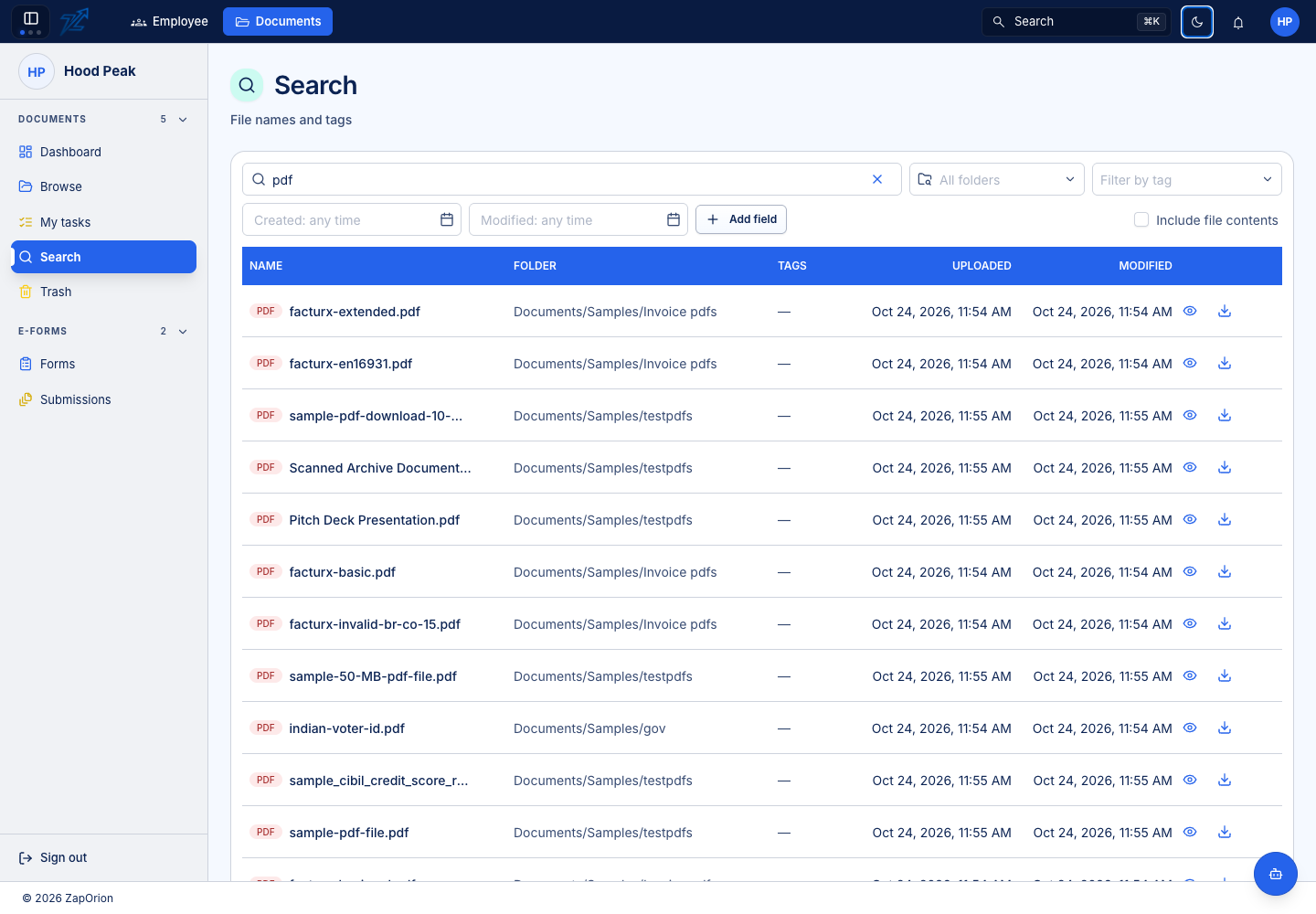
Choose Documents → Search. Results are limited to documents you can access, regardless of how broad a query is.
Run a focused search
- Enter a document name, phrase or other search term.
- Choose a folder scope if you know where it belongs. The scope includes that folder's descendants.
- Add tags, file-type or other offered filters to narrow results.
- For extracted fields, choose a metadata field and enter the value or condition.
- Open a result by its document name. Use its folder path to understand where it is stored.
The query and filters are represented in the page URL so you can return to the same search. A copied URL does not grant the recipient access to its results.
Names versus content
Name and tag searches can work even when content indexing is off. Searching the text inside files requires the administrator's content-search configuration, an eligible type and folder, and completed indexing.
A PDF made of images needs an appropriate extraction/OCR path before its printed text can be searched. A metadata correction changes the effective metadata value; it does not rewrite the original PDF.
If a result is missing
Clear stale filters, check the folder scope and confirm your item access. Then ask an administrator to inspect Configuration → Content search and Activity Logs → Background Jobs. Recently uploaded or changed files can be waiting for indexing.