Preview documents
Click a document's name from Browse, Search, the dashboard or a task. The preview opens over the originating page when possible, retaining the list's position when you close it.
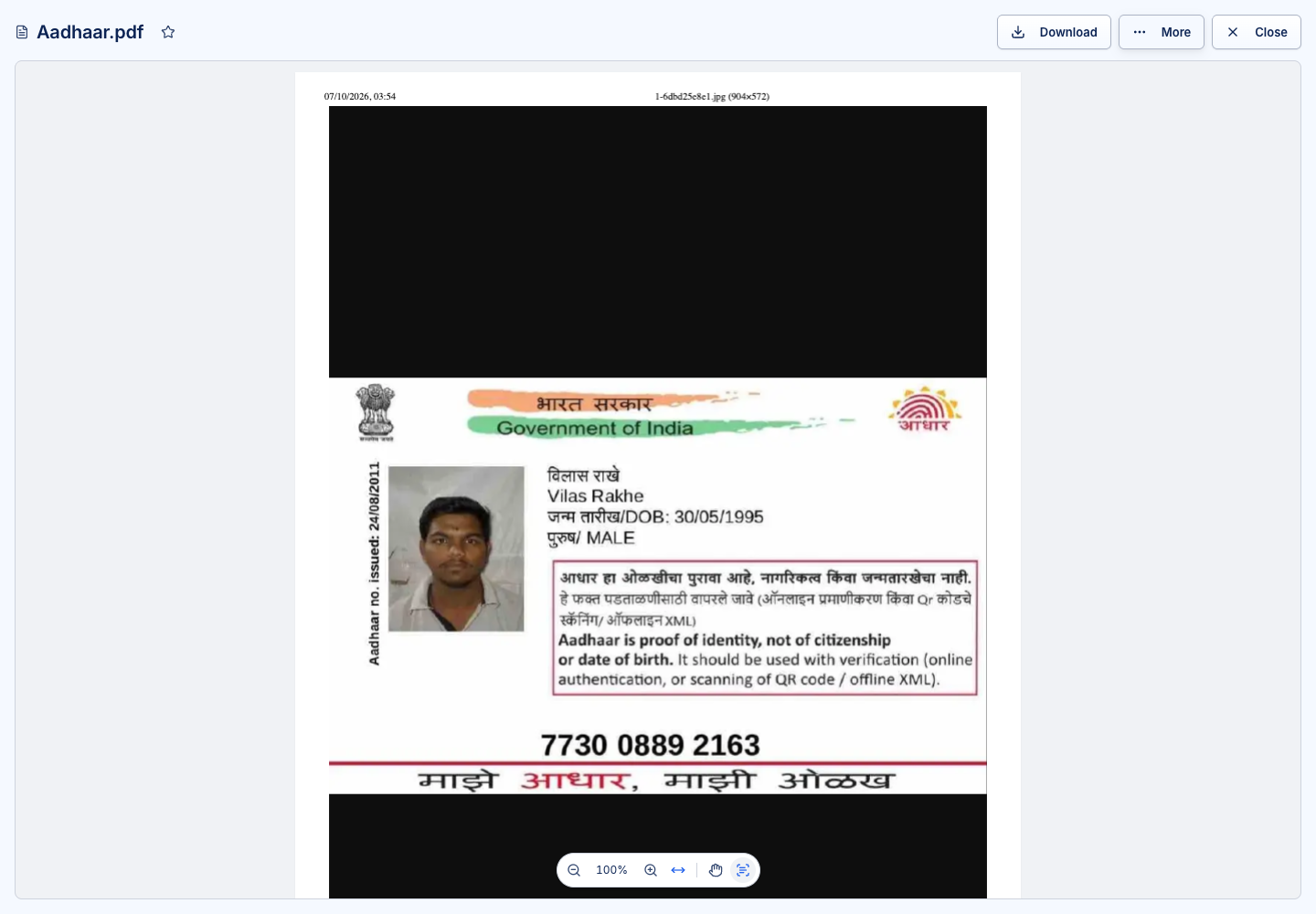
Supported viewing experiences
| Content | What to expect |
|---|---|
| Page navigation, zoom and hand/text-selection controls; select existing text where present | |
| Images | Zoom and pan; supported images can expose a selectable OCR text layer |
| Text, Markdown, JSON, YAML, XML and CSV | A text or structured-data view, depending on type |
| Office and OpenDocument files | Browser preview or the configured Office service; editing requires an available editor |
Email (.eml, .msg) | Sender, recipients, subject, body and attachments; attached messages can open within the viewer |
| CAD and other supported formats | The specialised viewer offered by the app; unsupported formats remain downloadable |
For email, remote images remain blocked until you choose Show images. Download an attachment to keep a separate copy; an attachment is not automatically an independent stored document.
Use the toolbar
Use Download for the current version and the star to mark a favourite. More contains actions such as Properties and Version history. Editing, Fill and sign, Workflow, Metadata and Data appear when they apply to that file and your access.
In a PDF, choose the hand tool to move around the page, or the text-selection tool to copy text. Switching tools retains your position and zoom. A scanned page may have no embedded text to select.
Inspect details without changing content
Open Properties for the name, folder, tags, access and applicable metadata. Open Data for agent extraction. These values are distinct from text physically placed in the file. See Extracted data.
While an opened document's workflow is active, the app refreshes its working state. Unsaved corrections must still be saved; refreshing the workflow is not a save operation.