My tasks
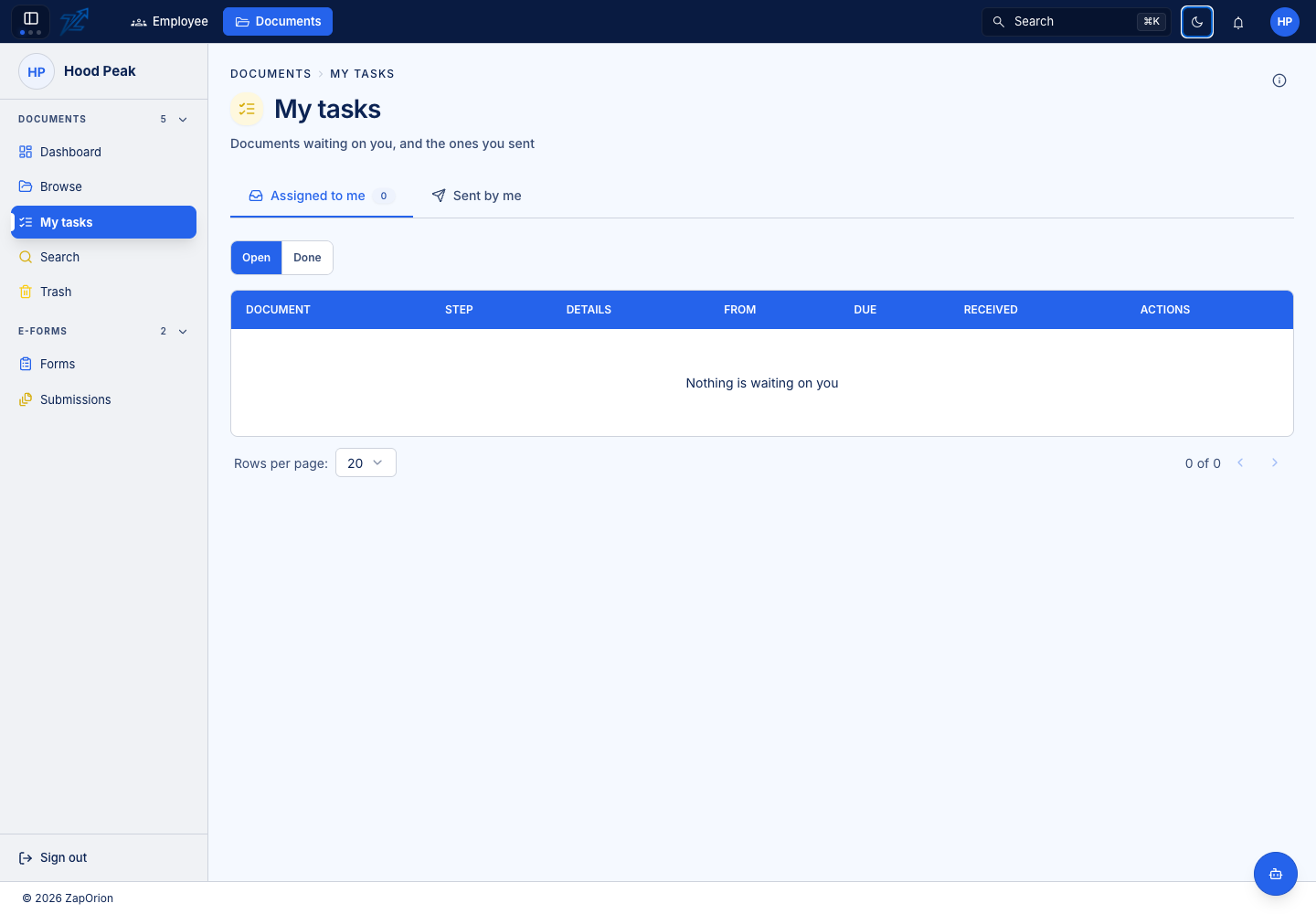
Choose Documents → My tasks to work through workflow tasks assigned to you and to follow workflows you started.
Complete an assigned task
- Open the task and read its step name, instructions and due information.
- Inspect the document, form answers and extracted data relevant to the decision.
- Complete any fill-in or signature fields required for your step.
- Save data corrections before submitting the decision.
- Choose the offered action: approve, acknowledge, fill in, sign, return or reject, as applicable.
- Add a reason where requested and confirm the result in the timeline.
Not every task allows rejection or downloading. Those choices are configured by the workflow designer. A group task can complete when any member acts or when all required participants have acted, according to its completion rule.
Follow work you sent
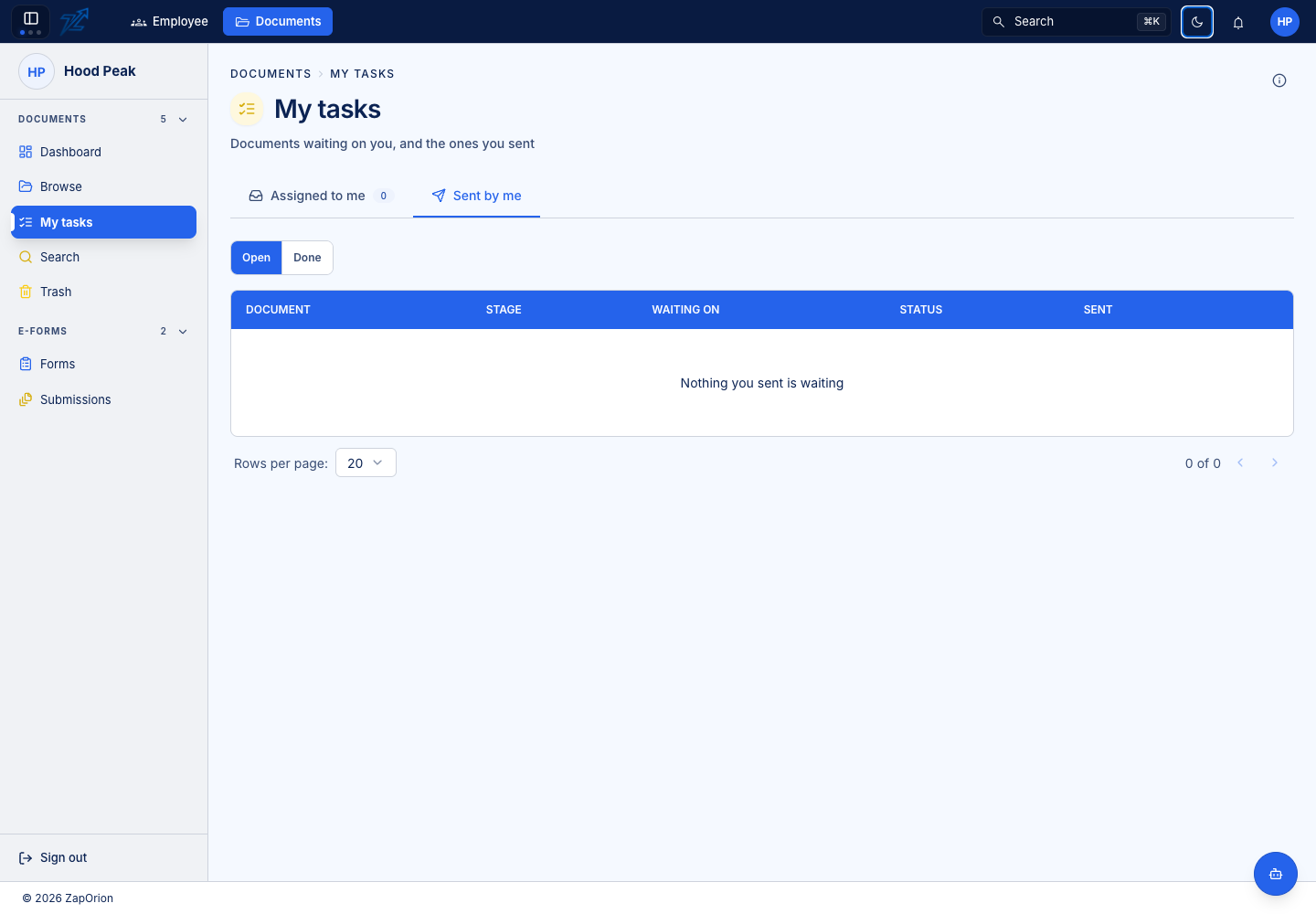
Sent by me shows the workflow's status, current stage and who it is waiting on. Opening it does not complete another person's task. Read the timeline to distinguish a human approval from an AI read or queued API call.
Task tables may show a few useful extracted fields. Open the document's Data pane for the full structured output; workflow instructions are not the extracted business data.
For starting a new workflow, see Document workflows.