Template settings and limits
Open Administration → Settings with PLATFORM_ADMIN. TEMPLATE_ADMIN does not include this page.
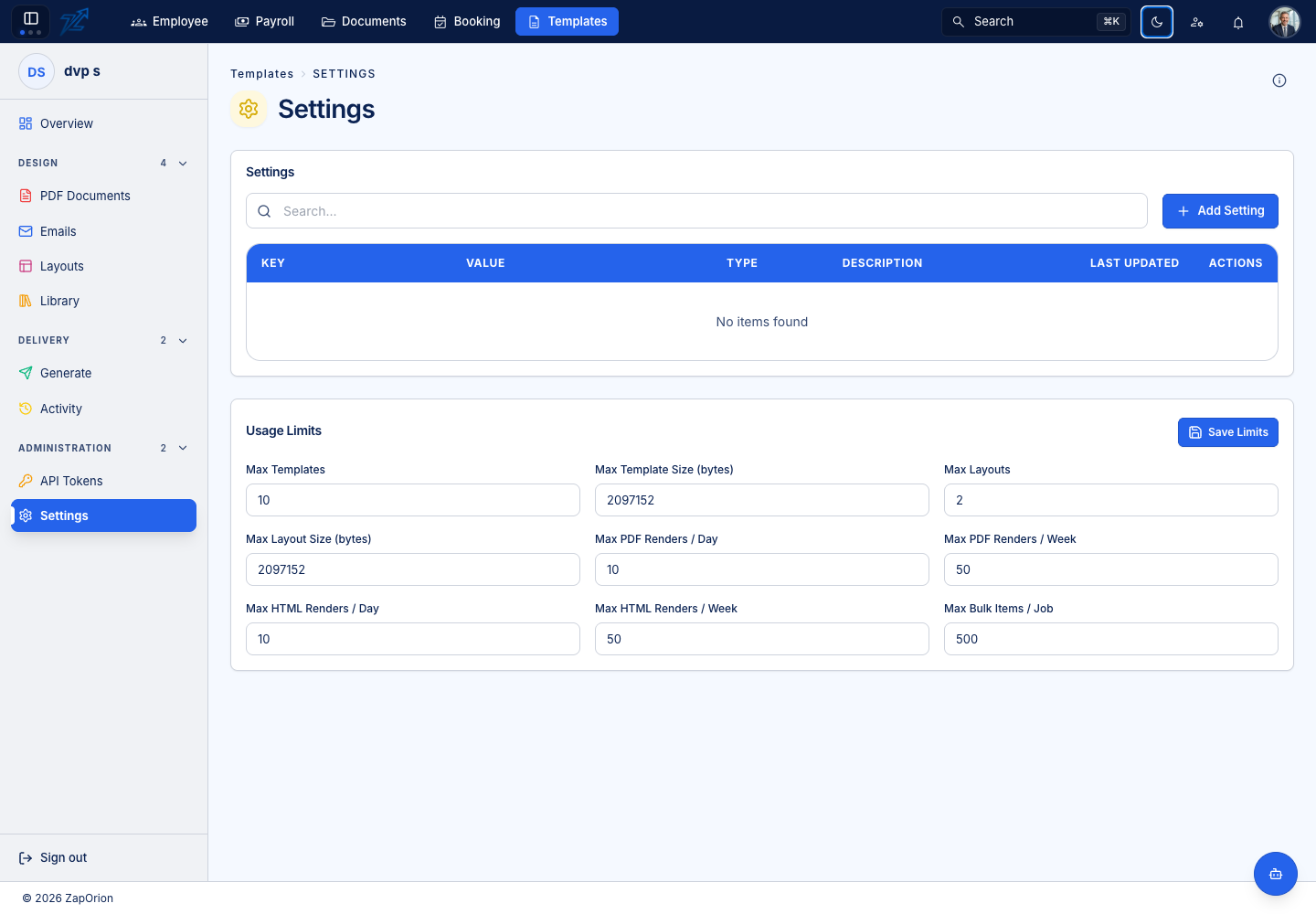
Tenant settings
Add, edit or remove the supported key/value settings for this organisation. Use the expected value type and check the setting description. A free-form key is useful only when the running service implements it.
The help panel explains supported configuration such as delivery controls. If an email is stopped by configuration, inspect the recorded Activity result and the relevant setting rather than retrying sends repeatedly.
Usage limits
The limits panel includes:
- Maximum templates and template size in bytes.
- Maximum layouts and layout size in bytes.
- PDF and HTML render allowances per day and per week.
- Maximum bulk items per job.
Review all changed fields, then choose Save Limits. The current editor uses -1 for unlimited. Do not assume that zero has the same meaning.
Limits restrict accepted operations; they do not rewrite existing designs or automatically rerun failed jobs. After a deliberate capacity change, retry only the operation that was refused and confirm its result in Activity.