Template overview

Choose Templates in the ERP module bar. The Template module designs reusable PDF documents and emails, manages shared layouts and generates outputs from supplied data.
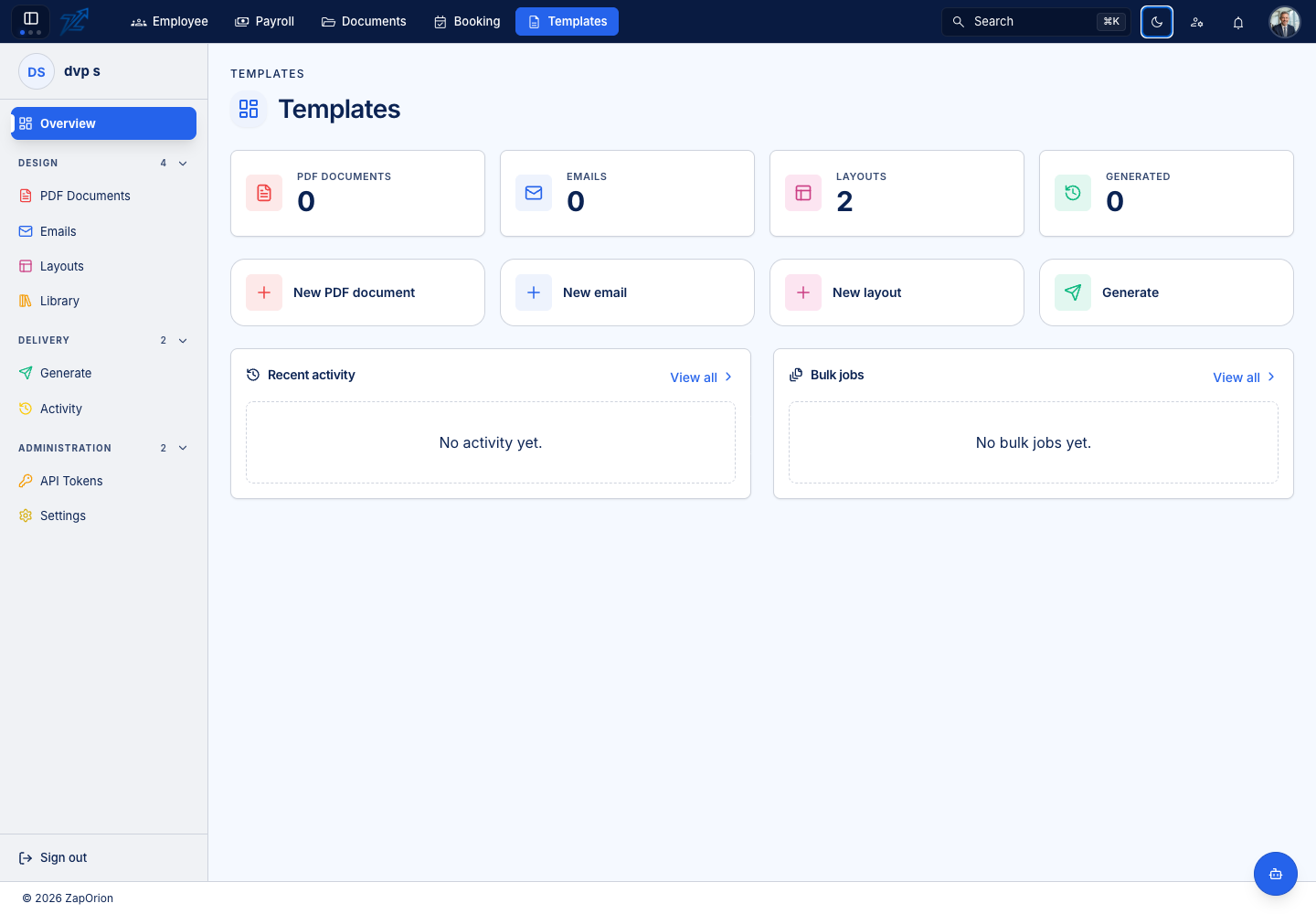
How the pieces fit
| Item | Purpose |
|---|---|
| PDF document | A paginated document body, variables, sample data and optional layout |
| An email-width message body with variables and optional layout | |
| Layout | Reusable header, footer, images and named HTML blocks |
| Input JSON | Example data for authoring and preview; generation supplies its own data |
| Version | A draft or published body; the active version is used for ordinary generation |
| Library | Built-in starters and templates shared by the platform |
Documents stores and routes files; Template authors designs and renders outputs. Generating a PDF does not by itself establish a filing destination or start a Documents workflow. Those handoffs require a configured integration. One supported handoff is the e-Form designer's PDF template code, which renders submission PDFs from a Template design.
A first successful document
- Choose a starter from Library, or create a new PDF document.
- Set its name/code and add a layout if needed.
- Add Input JSON and variables, then inspect the preview.
- Save a draft and review the generated appearance.
- Activate the intended version.
- Open Generate, supply the real data and download the PDF.
- Check Activity for the recorded result.
TEMPLATE_ADMIN grants design, generation and token management. Settings additionally requires PLATFORM_ADMIN. See Access and roles.