Use the template library
Open Design → Library for built-in starters and templates shared by the platform. Library entries are starting points; review the copied design for your organisation before using it.
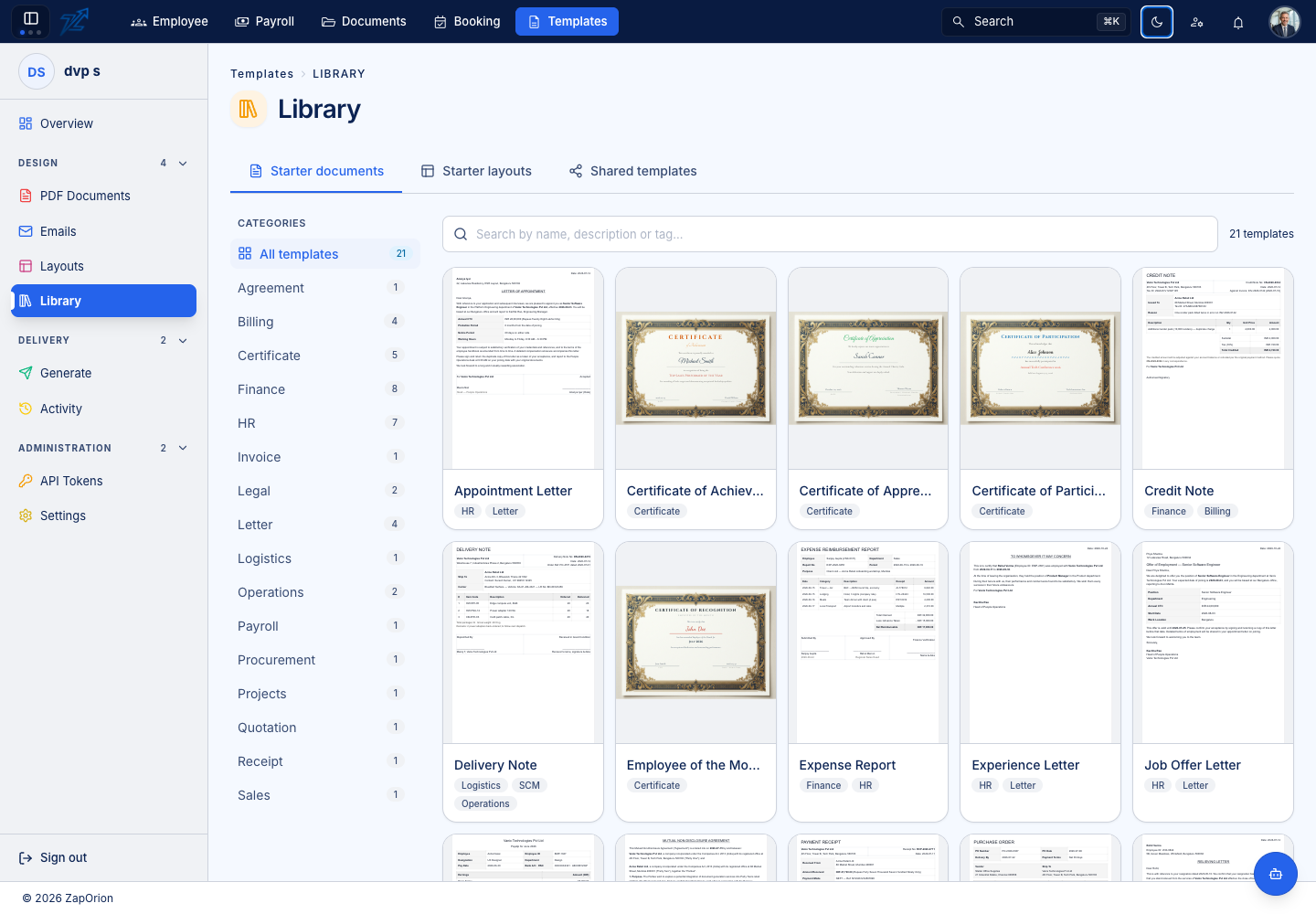
Starter documents
Choose a category or search, inspect a design and use the offered import/use action to open it as a new template draft. Review its code, sample input, variables, images and page setup. Save and activate only after replacing the example organisation and content.
Starter layouts
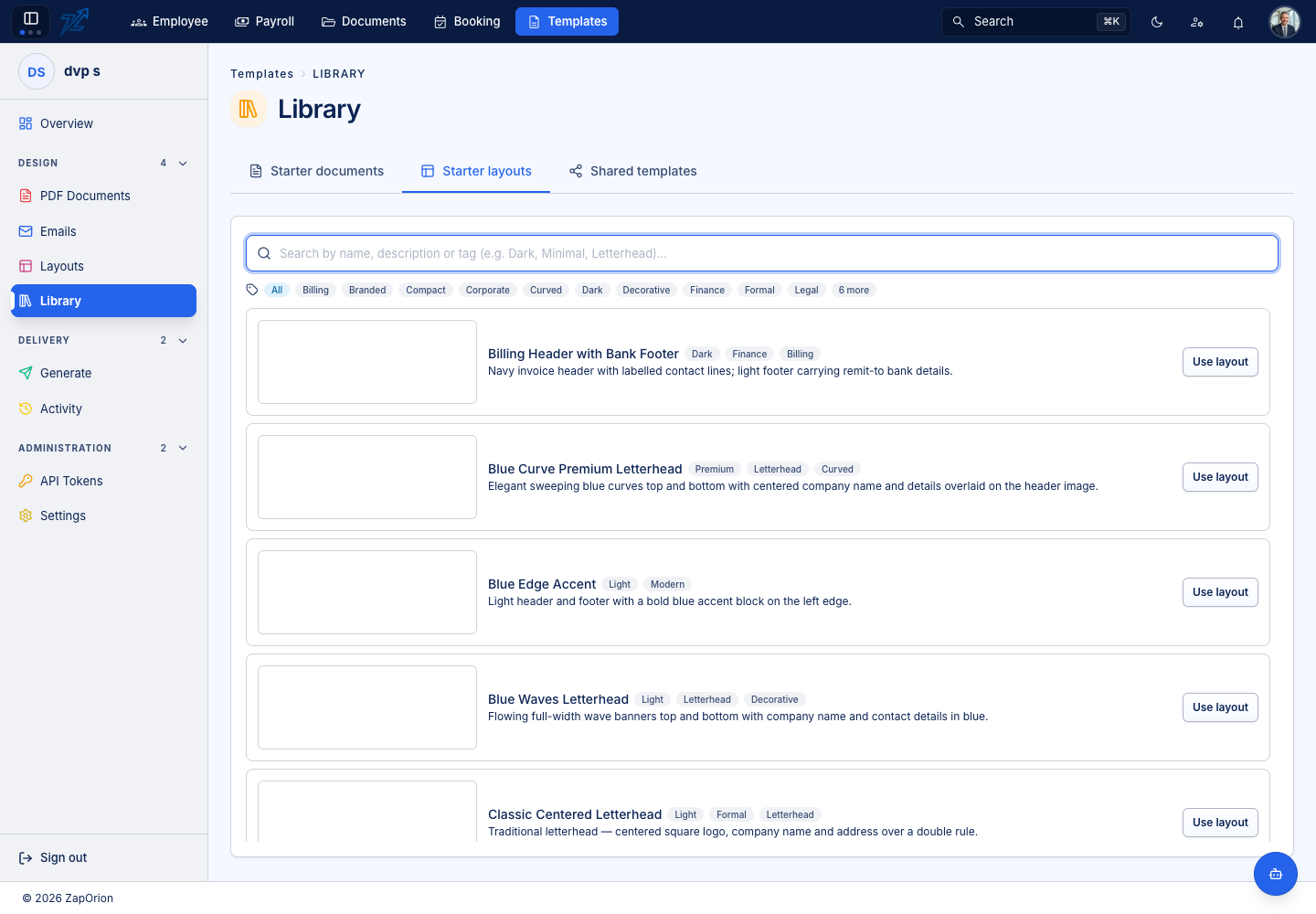
Choose a layout and open its new-layout editor. Check its generated code, branding and spacing. Save the layout and activate the intended version, then select it in your PDF or email template.
Shared templates
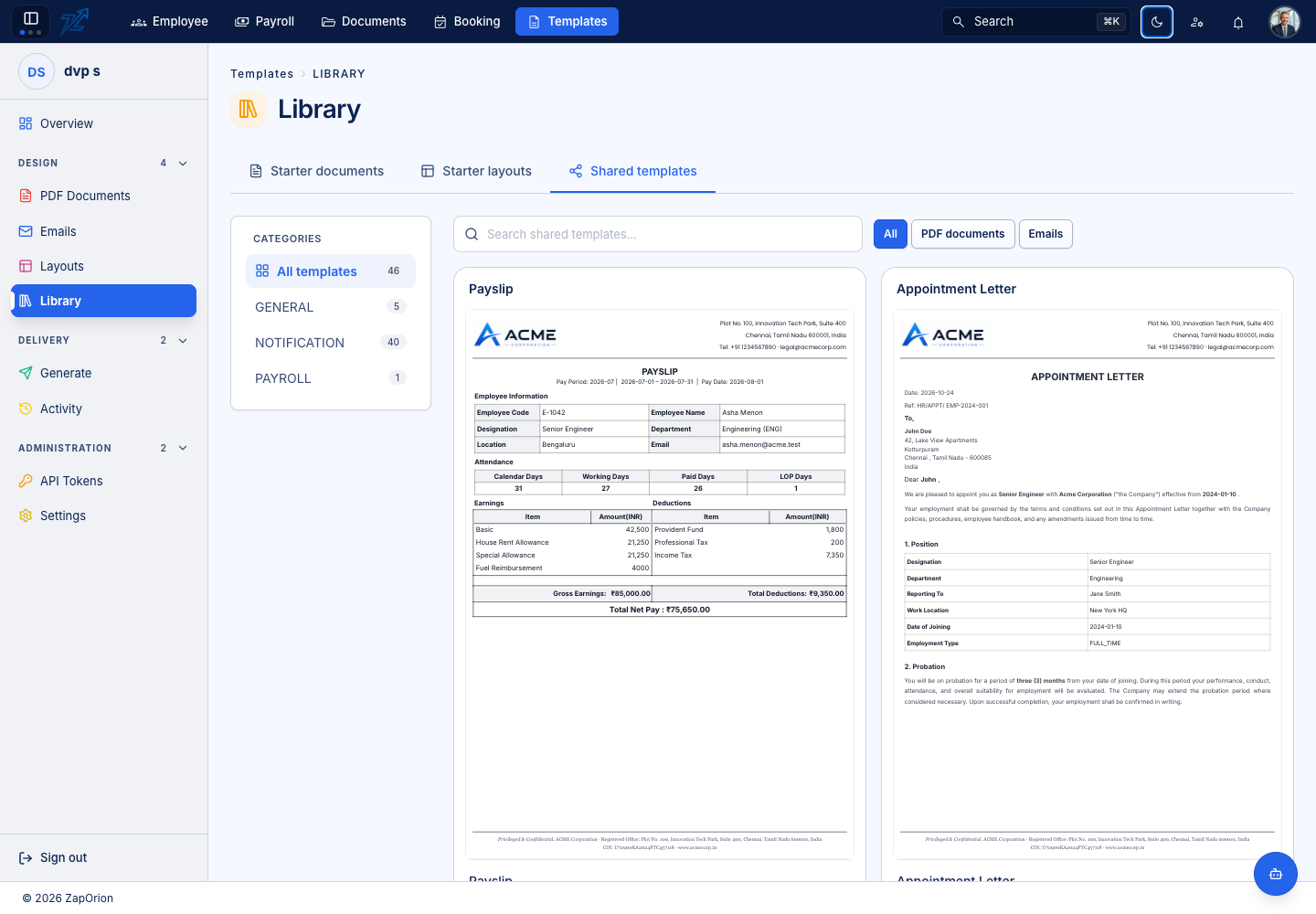
Filter by category, search text and PDF documents / Emails. Open a card for its full preview, then use the offered copy action to create a tenant-owned version. Check whether your organisation already has a copy before adding another.
Copying a shared design does not mean every subsequent platform change is approved for your organisation. Review your own saved copy, input data and active version before using it for delivery.