Manage Template API tokens
Open Administration → API Tokens. Template administrators can create credentials for scripts and integrations acting with this organisation's access.
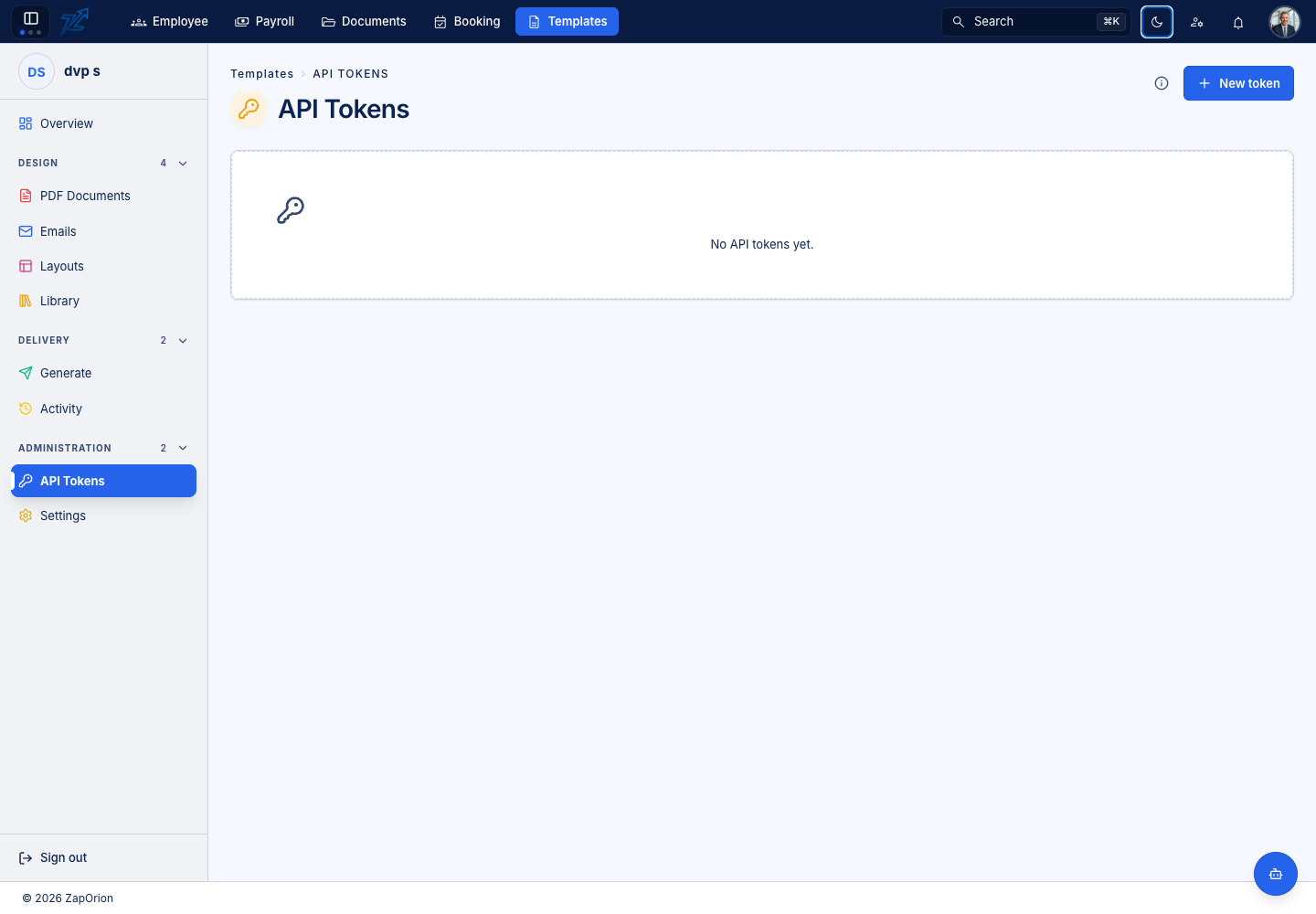
Create a token
- Choose New token.
- Enter a name describing the integration, such as
billing-export. - Set Expires on when a fixed end date is appropriate. Leaving it empty creates a token without an expiry date.
- Choose Create token.
- Copy the full value immediately and place it in the integration's secret store. It is shown only once.
The API accepts the token as X-Api-Key: dsk_… or Authorization: Bearer dsk_…. Use the Template API base configured for your environment; its protected route prefix is /api/v1/template. A token is a credential, not a template code or a Documents permission grant.
Review, rotate and revoke
Check the name, prefix, creation/expiry time and last-used time to identify a token. Create a replacement, update the integration and verify it before revoking the previous token. Revoke stops that credential working immediately.
Do not place full tokens in exported templates, screenshots, shared sample files or support messages. If the one-time value was lost, create a replacement rather than expecting the list to reveal it.