Activity and bulk job history
Open Delivery → Activity. Documents records individual generation/delivery events; Bulk jobs lists submitted batches.
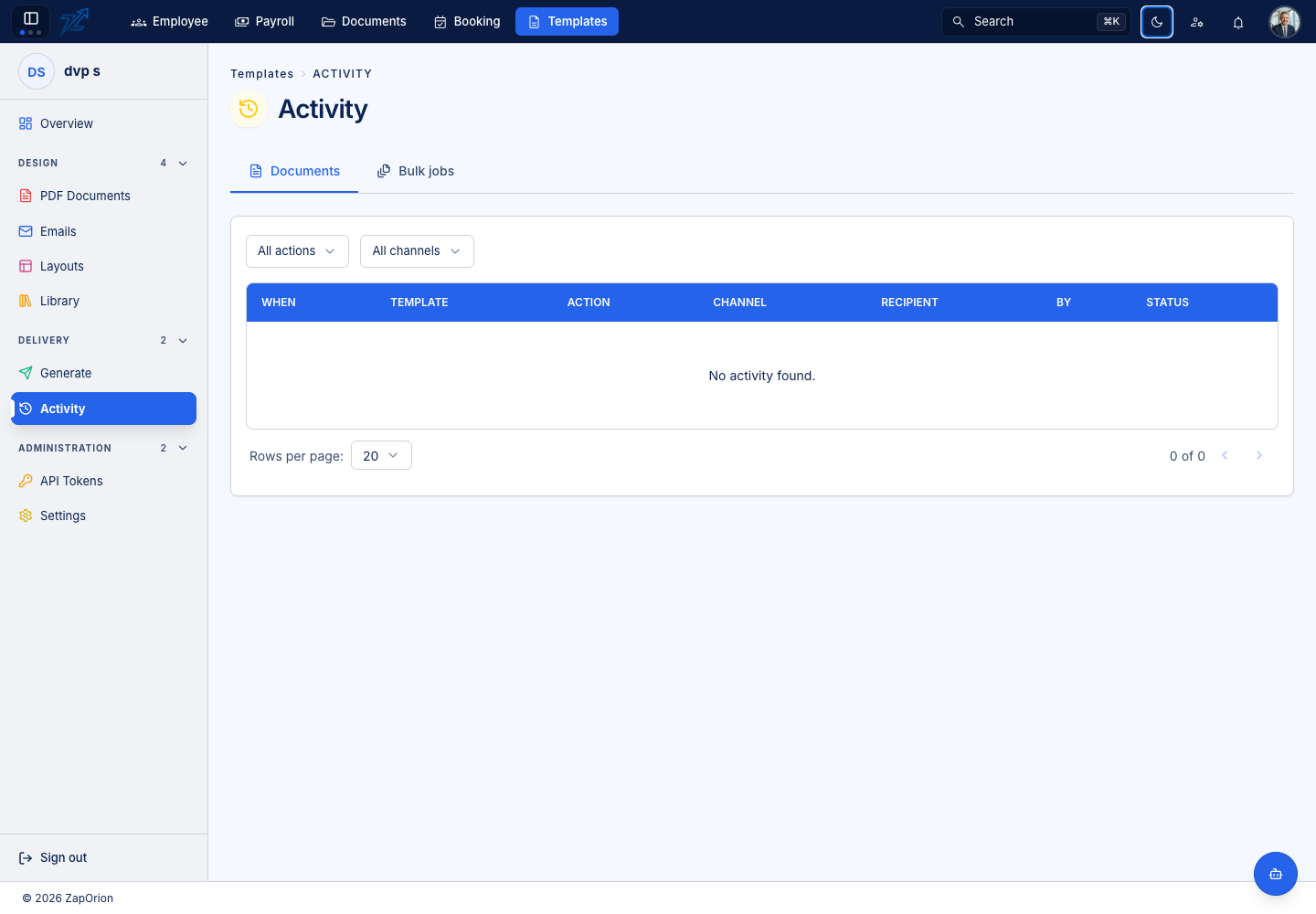
Inspect a document event
Filter by action or channel. Actions include Generated, Downloaded, Email sent, Email stopped by configuration and Email failed. Read the event's result, time, template and recipient/output details where available.
A successful render is different from a successful email. A sent event records the delivery system's result, not the recipient opening the message.
Inspect a bulk job
Choose a job to open its detail. Check completed/failed/total counts and the progress bar. The Documents section lists each row's output file, state and error. Only completed items have a download action.
An empty history is valid for a new organisation. Do not create extra outputs or send test email just to populate its counts. For recovery, retain the job reference, correct the failing records and generate only the necessary replacements.