Notification outbox
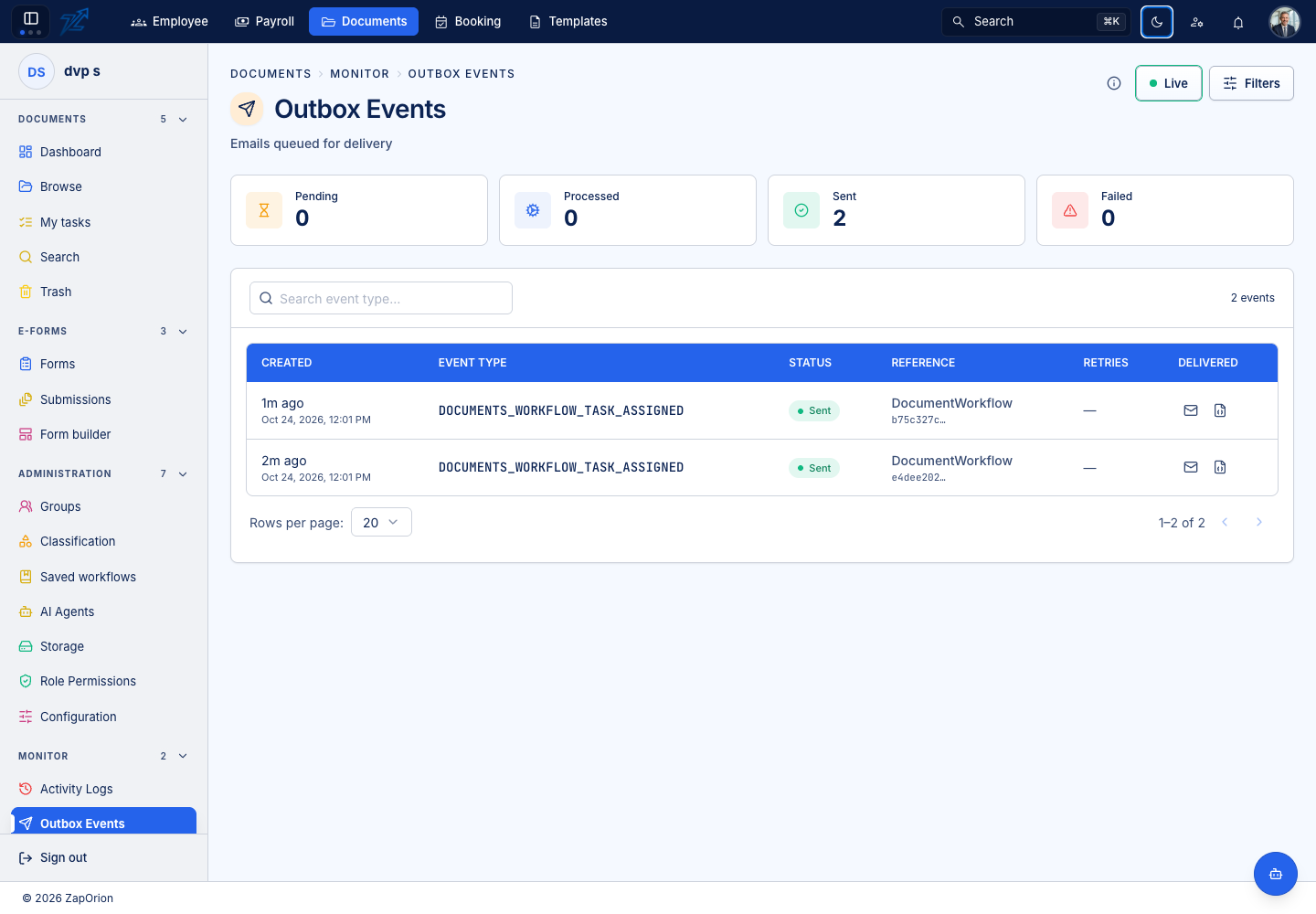
Open Monitor → Outbox Events to inspect queued and processed notification events. This page monitors delivery; it does not approve tasks or submit documents.
Find and inspect an event
- Narrow the list with the available status, search and time controls.
- Open the relevant event and confirm its type, recipient and related document/workflow.
- Read its current state, attempts, next retry time and last error where available.
- Compare the event time with the user's report.
Queued or retrying means processing is incomplete. A terminal failure needs its error examined. A successful handoff records the sending system's result; it does not prove that a human read the message or completed its linked task.
Correct the cause
For incorrect recipients or links, check the saved workflow, source invitation and application-address settings. For delivery errors, ask the administrator responsible for the mail provider. Do not create a second workflow simply to send another notification without checking the original state.
If a retry/requeue control is available, use it only after the cause is understood. The recipient may receive another message if an earlier attempt actually reached the destination.