Track and review submissions
Choose e-Forms → Submissions to follow submitted requests. Ordinary users see their own list; administrators can also have Mine and Everyone’s views.
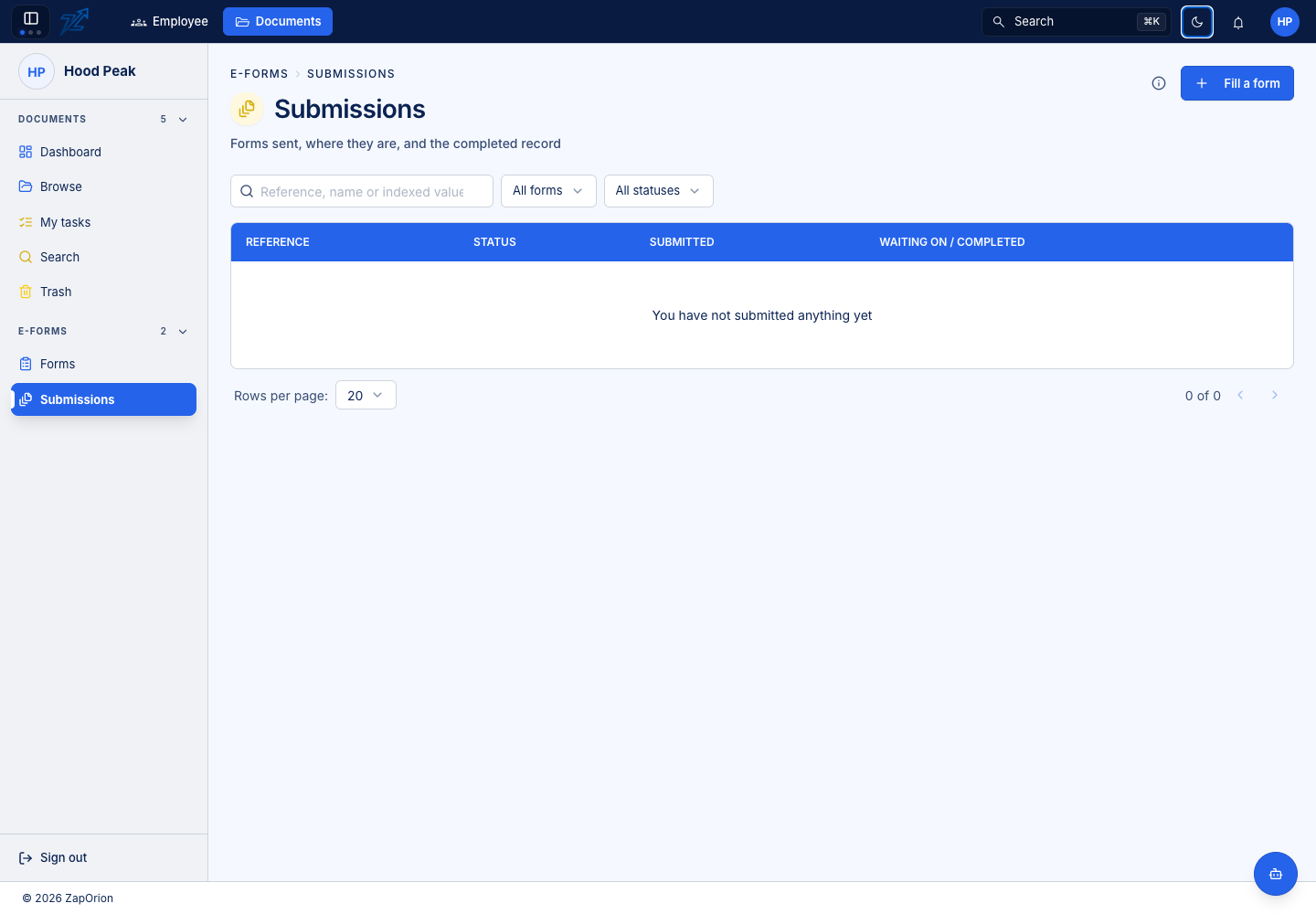
Find the request
Use the available status/form filters and search fields. Check the reference, form name, submitter, submission time and current stage before opening a record. An old submission reflects the form version used when it was submitted, not necessarily today's form design.
Read the submission
Open the record to inspect submitted answers, attached files, the generated document and workflow history. Follow its document link when you need the full viewer or editing tools.
A submission's processing state is distinct from an individual task. A request can be in progress while the next reviewer has not yet acted. Check the active stage and timeline for who or what it is waiting on.
Act as a reviewer
Open the task assigned to you, read the answers and fill in fields reserved for your stage. Save changes before approving, returning or signing. Required reviewer fields must be complete for the step that owns them.
When a submission is Returned, the submitter can correct and resubmit it; the workflow starts again at its first stage. The submitter can instead withdraw the request to end it. A permitted Reject ends the workflow with its recorded reason. Approval/fill-in actions render an updated submission PDF as a new version, including the history.
Submitting another copy does not amend the first request. Use the actions offered on the existing submission or ask the form owner how to correct it.
See My tasks for the common review procedure.