Workflow conditions
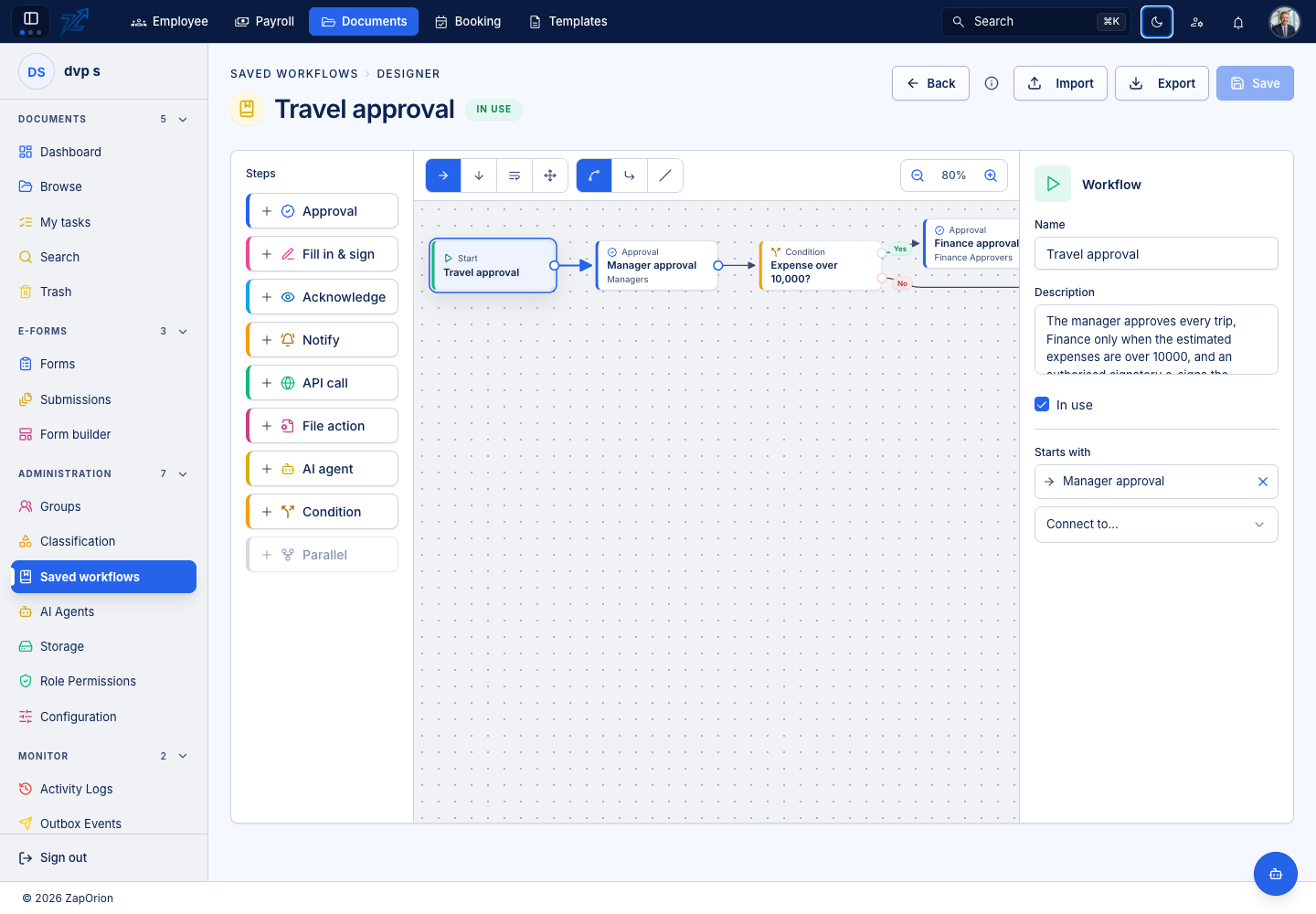
A Condition box evaluates data when its stage opens and takes its Yes or No connection. Connect both outcomes so the route remains explicit.
Choose the data source
| Source | Examples and meaning |
|---|---|
| Form data | A submission field, mapped workflow key or table total such as expenses.amount |
| Document data | Latest usable AI output and its corrections; nested paths such as supplier.name or lines[0].amount |
| Metadata | Applicable metadata field values, including saved corrections |
| Document properties | name, extension, mimeType, sizeBytes, folderId, versionId and id |
Each rule chooses its own source, field/path, value type, comparison and fixed comparison value. Enter a Form data field name directly rather than choosing from every form in the organisation. For nested data, use the JSON-path option where offered. Paths select values; they do not run scripts.
Combine and test rules
A condition supports up to ten rules. All requires every rule to match; Any requires at least one. Use Number for amounts and Date for dates rather than treating them as arbitrary text. Dates use ISO YYYY-MM-DD; text comparisons ignore case.
For example, after an invoice extraction, test Document data invoice.total as Number greater than 10000. Route Yes to finance review and No to the next ordinary step. Test values below, at and above the threshold, and test a document missing the value.
Empty values satisfy Is empty and Not equals; they fail the other comparisons, including Is not empty. An unavailable explicit source behaves as empty. Plan the missing-data branch deliberately.
Timing matters
The condition uses currently available values. It does not wait for background indexing to produce new metadata. Put an agent before any condition that reads its outputs and save reviewer corrections before progressing to the condition. Form publication may require mappings for the workflow's form fields.