Build saved workflows
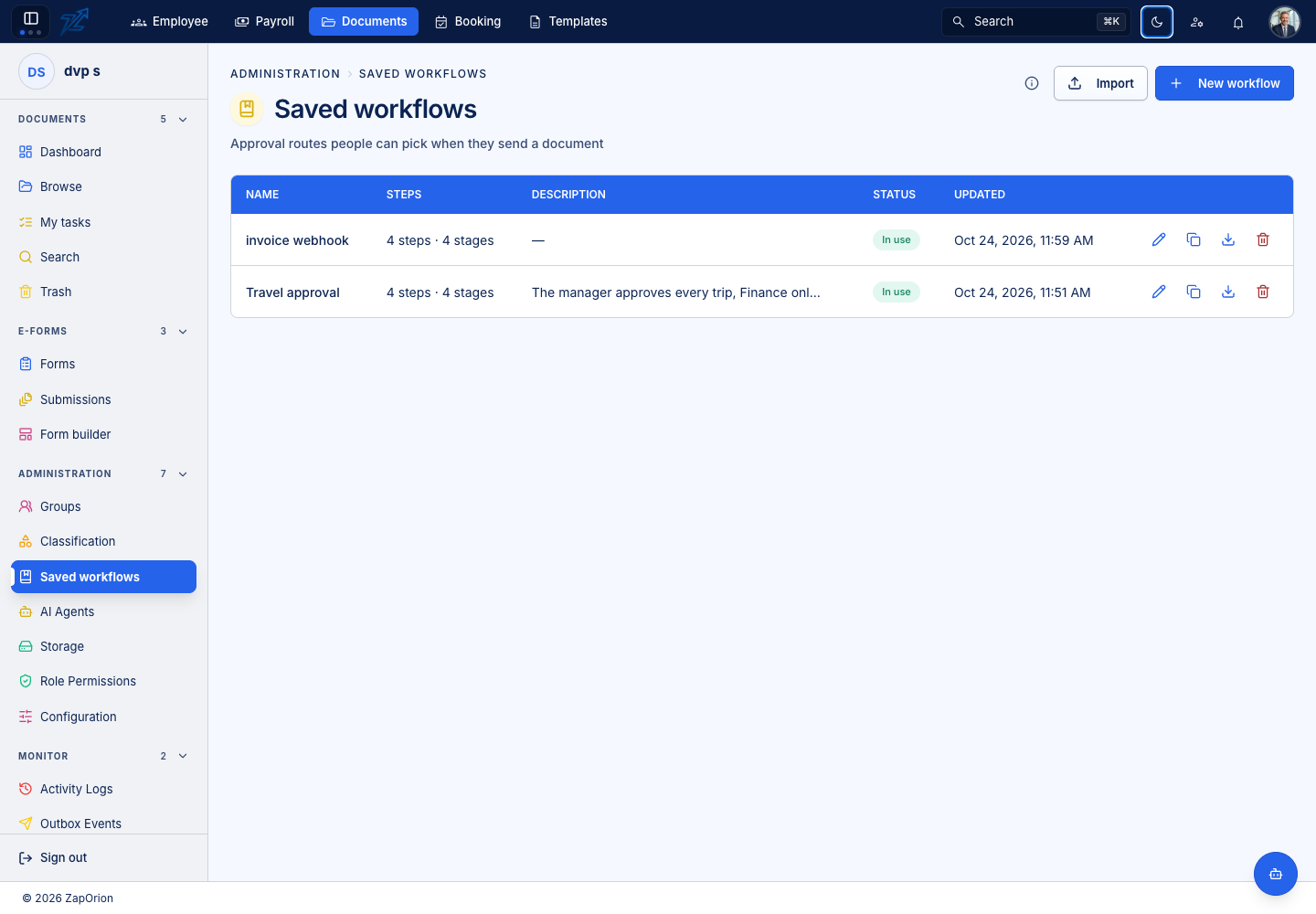
Open Administration → Saved workflows. A saved workflow defines a reusable route selected when sending a document, or used as a folder's default workflow.
Design a route
- Choose New workflow or open an existing one.
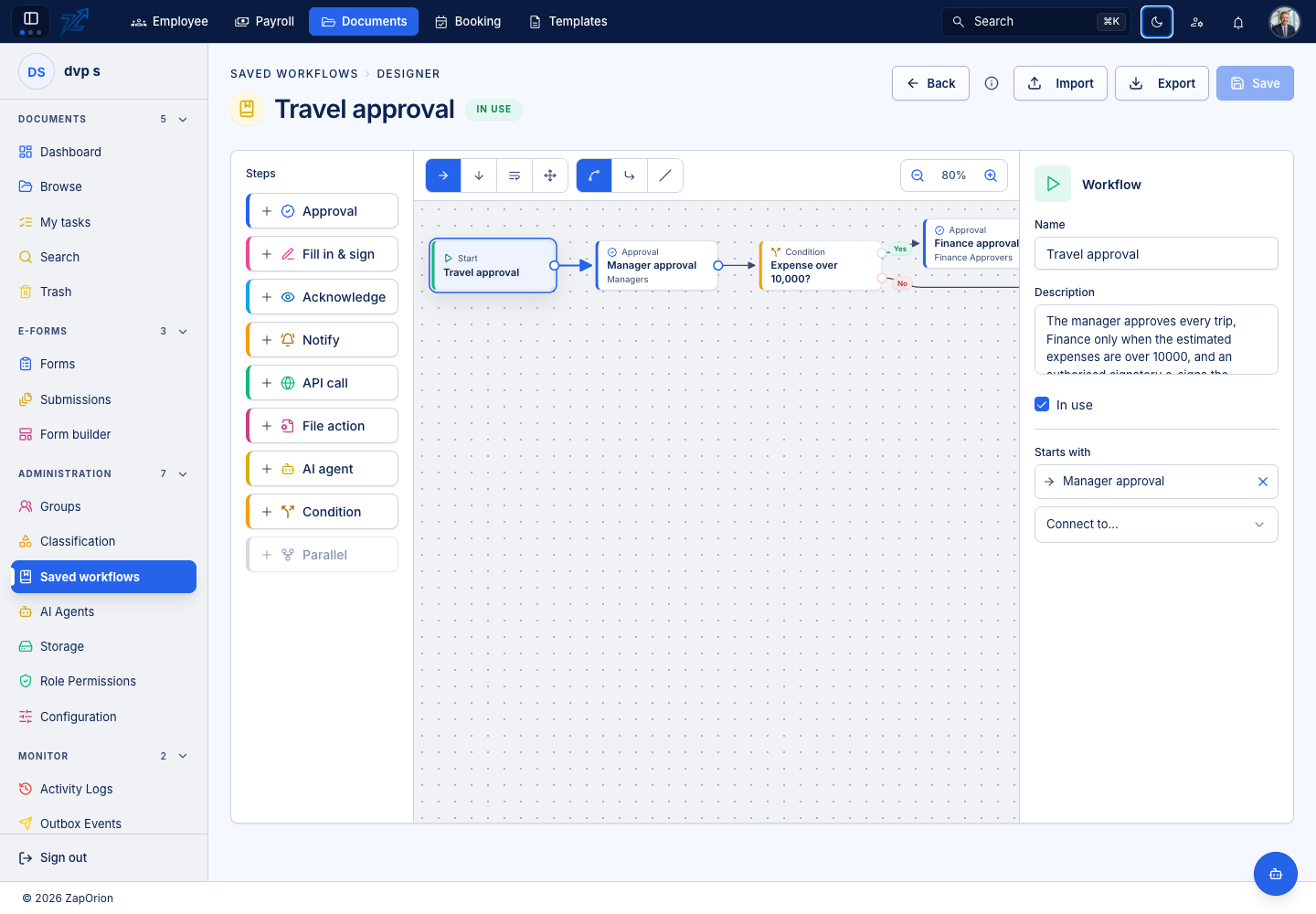
- Enter its name, description and active state.
- Add actions, arrange them into stages and connect them from Start to End.
- Select each action to configure participants, instructions and its action-specific settings.
- Connect every required result branch, including review and failure outcomes.
- Save, then test with a document whose content and permissions match the intended process.
Action types
| Action | Behaviour |
|---|---|
| Approval / Acknowledgement | Ask people to review or acknowledge |
| Fill in / E-sign | Collect the required document or form contributions |
| Notification | Inform the configured recipients |
| Condition | Choose Yes or No from typed rules |
| AI agent | Read with a mapping; branch to Extracted or Needs review |
| API call | Call a saved REST connection; branch to Success or Failure |
| File action | Rename, move or send the document to Trash; branch to Success or Failure |
Human actions can use people, groups and eligible outside recipients. Review Any/All, due settings, download access, return and rejection choices. Automatic steps do not need artificial human participants.
Save, duplicate and transfer
Save persists the current definition and leaves it open. Unsaved changes remain a draft until Save succeeds. Duplicate starts a new workflow draft with its own identity.
The list and editor offer import/export controls. Import accepts the supported workflow JSON or a pasted definition. Review steps, participants, mapping IDs, REST connections and destination folders in the current organisation, then explicitly Save. Importing replaces the editor draft; it does not silently save it.
Use the dedicated guides for conditions, file actions and API calls. Existing runs should be checked independently of a later saved-definition edit.