Set up Documents
Documents administrators configure access, organisation, processing and monitoring. Additional permissions enable form design and AI agents.
Recommended setup order
- Confirm account roles and the module permissions in Role Permissions.
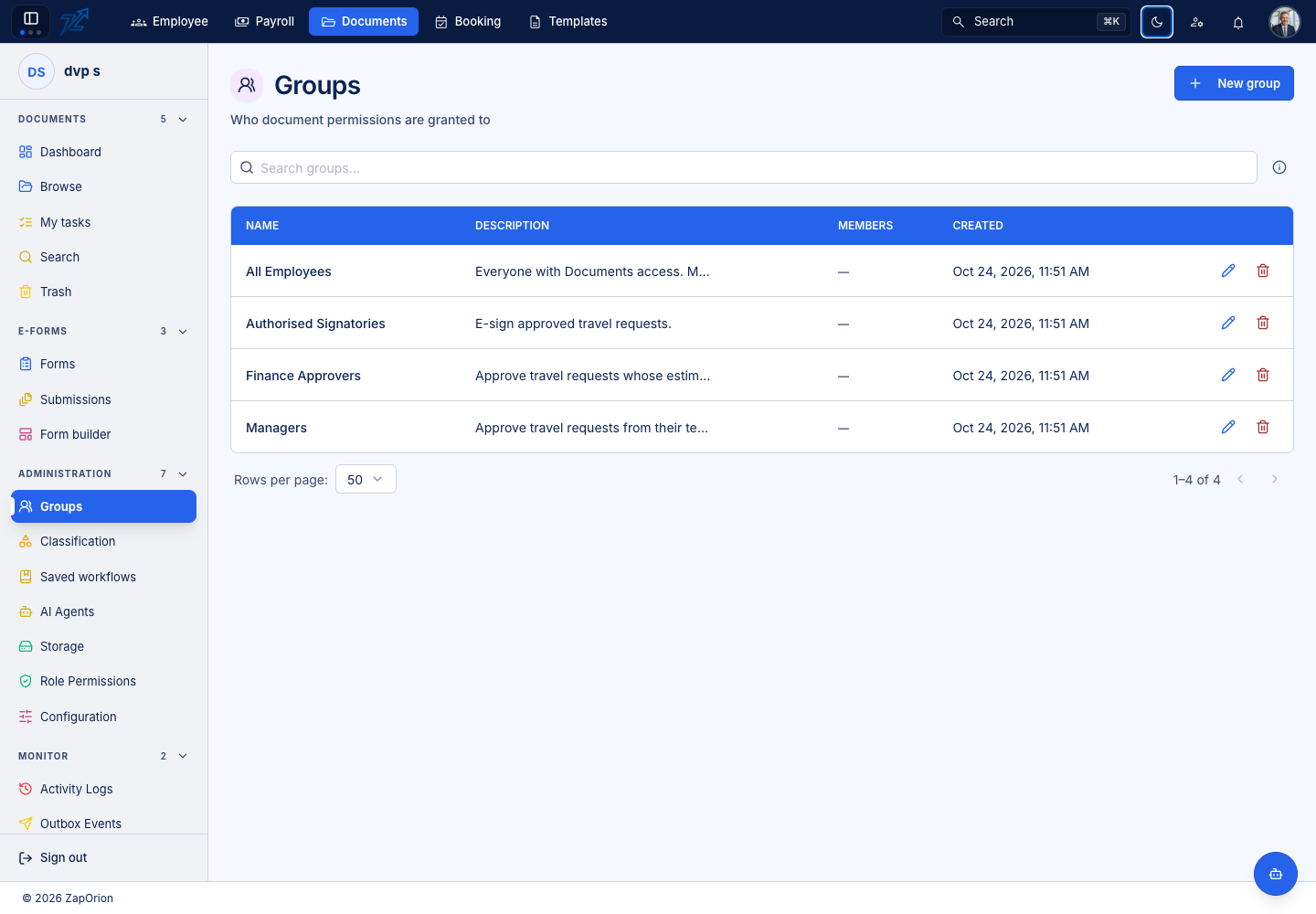
- Create the required Groups and maintain their members.
- Grant the first root-folder access and define the folder structure with appropriate inheritance.
- Review Storage quota and upload policies in Configuration → Settings.
- Configure Classification fields, tags and filing mappings.
- Enable Content search for the intended types and folders.
- Configure Email intake and REST APIs only where those processes are needed.
- Build and test Saved workflows, their failure paths and any folder defaults.
- Publish the required e-Forms. Grant
documents:formsto their designers. - Configure AI mappings and grant
documents:agentsto the people managing reads. - Check Activity Logs, Background Jobs and Outbox Events during a representative end-to-end test.
Administrative pages
| Area | Purpose |
|---|---|
| Groups / Role Permissions | People, module gates and access administration |
| Classification | Folder filing mappings, metadata extraction and tags |
| Saved workflows | Repeatable approval and automation routes |
| AI Agents | Output mappings, reads, credits and diagnostics |
| Storage | Tenant quota and stored usage |
| Configuration | Upload, sharing, Office, indexing, email and API connections |
| Monitor | Audit records, processing jobs and notification delivery |
A successful settings save does not prove the entire process is working. Upload a suitable test document, inspect the result, and confirm the expected workflow/indexing/email state.