Configure Documents
Open Administration → Configuration. The page has Settings, Content search, Email and REST APIs tabs.
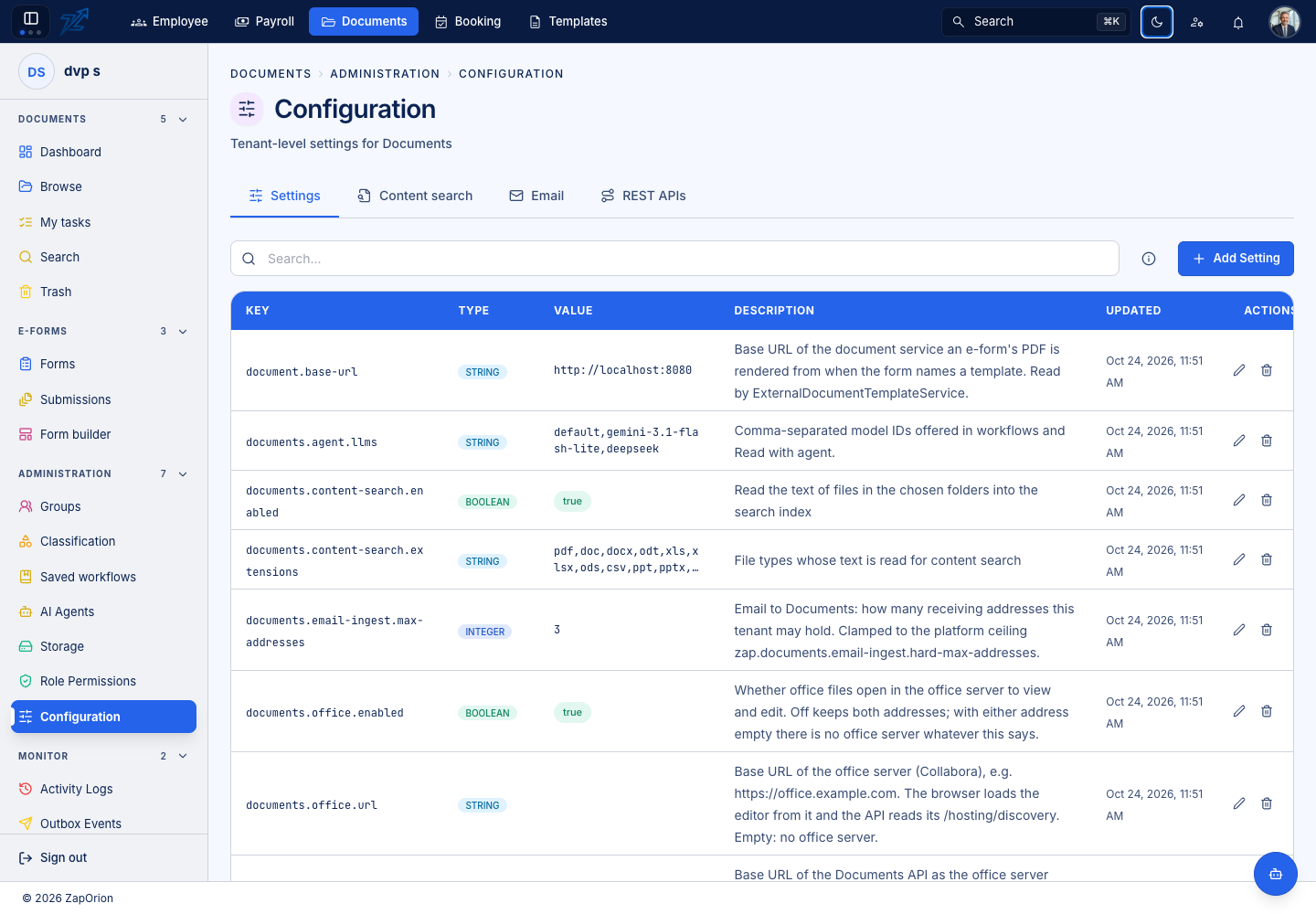
Settings
| Area | What to configure |
|---|---|
| Upload | Maximum file size, allowed extensions and pending-upload lifetime |
| Storage | Tenant quota; prefer the Storage page for changing it |
| External sharing | New outside links/invitations, anyone links, maximum validity and allowed email domains |
| Office editor | Enablement, Collabora address and the API address the Office service reaches |
| AI models | Model IDs offered for reads and workflow steps; the agent service must support them |
| Email intake | Address count policy and application address used in notification links |
Values use the type shown by the editor. Saving an unknown key does not create a feature; the running service must implement it. Deleting a setting returns it to its platform default rather than necessarily disabling the feature.
Allowed extensions control acceptance, not preview capability. Office viewing can fall back to the browser when the server is unavailable; editing still needs the configured Office service. Turning off new external sharing does not revoke previously issued links.
Content search
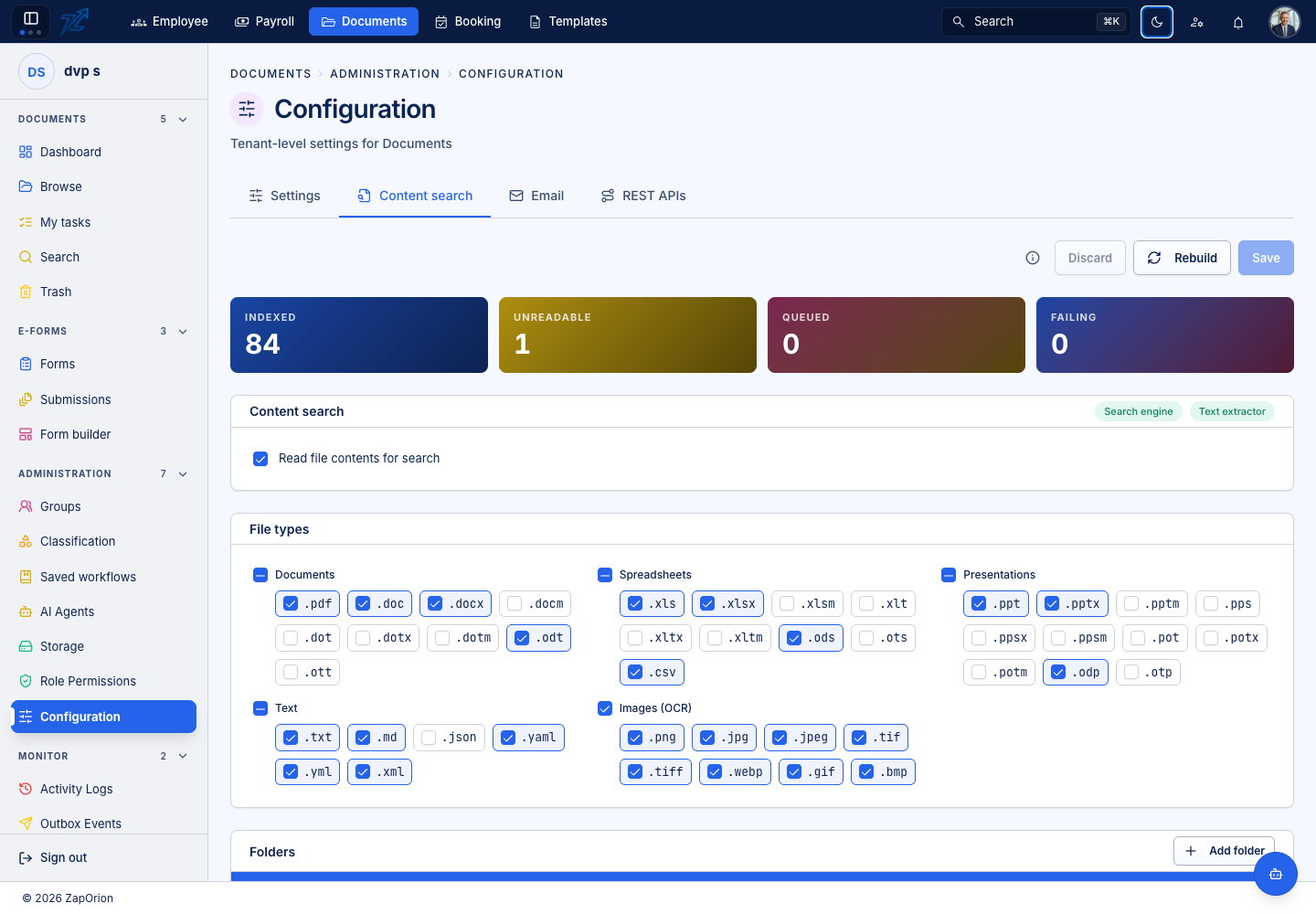
Enable content search, select supported types and choose the intended folder scope. Save through this tab so the index can be brought into line with the configuration. Editing the raw enablement row alone does not perform that reconciliation.
After a change, inspect Background Jobs and run a representative content query. Item permissions still filter results. Metadata extraction and OCR availability affect what text/values can be indexed.
Email intake
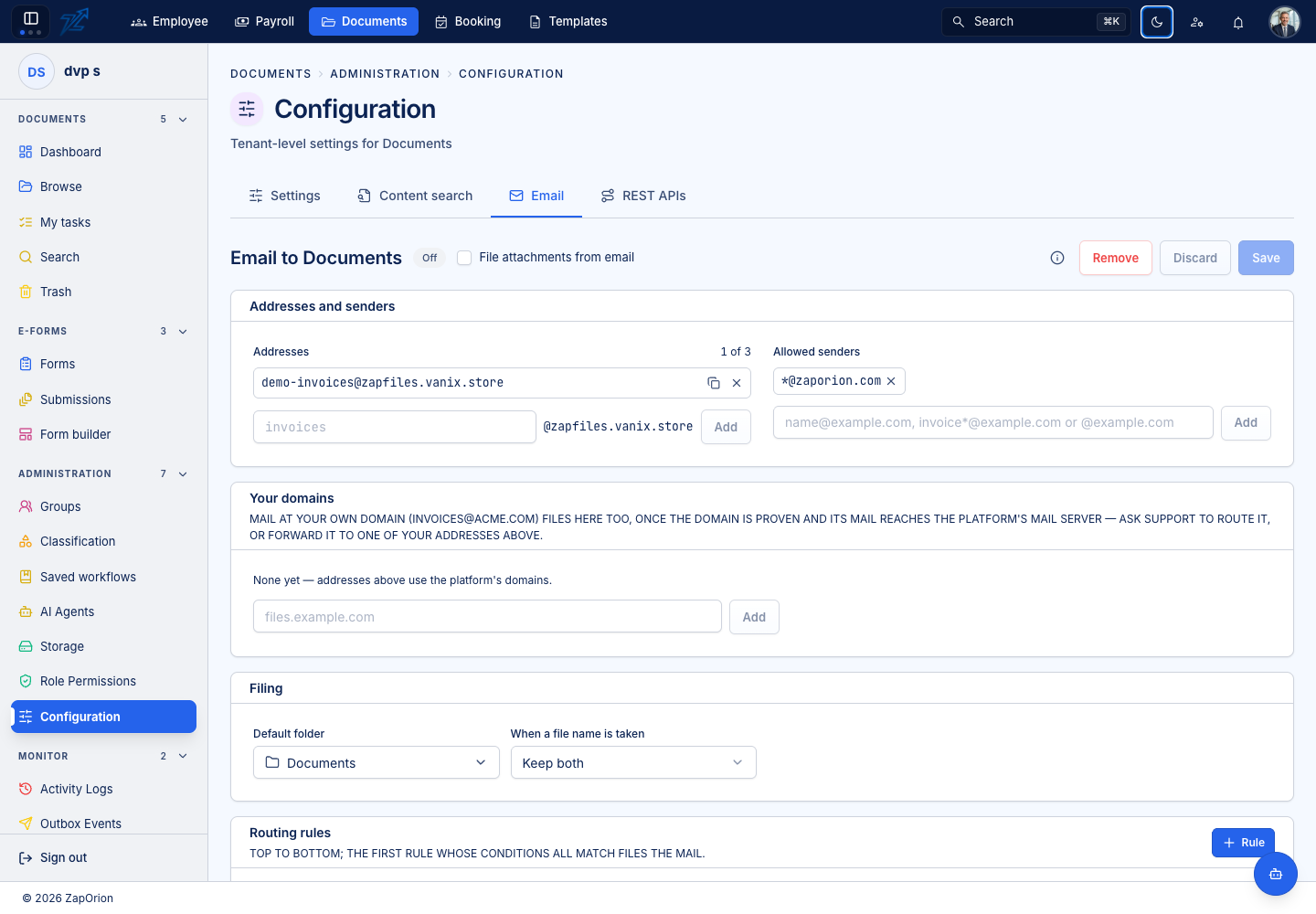
Configure a receiving address within the organisation's address allowance, then set its filing/routing rules and any workflow choices. Addresses must be unique across organisations. Test using a representative message and check the created documents and job state.
Attachments can be filed according to the configured route. A message without attachments can be stored as an .eml document, so the upload policy must permit that extension when the intake process needs it. Review sender/routing restrictions instead of assuming that all mail belongs in the same folder.
REST APIs
Use the REST connections guide to configure credentials, request signing and workflow calls. Saved secrets are not displayed again.