Classification, metadata and tags
Open Administration → Classification. Its three tabs organise automatic filing, extracted fields and the shared tag vocabulary.
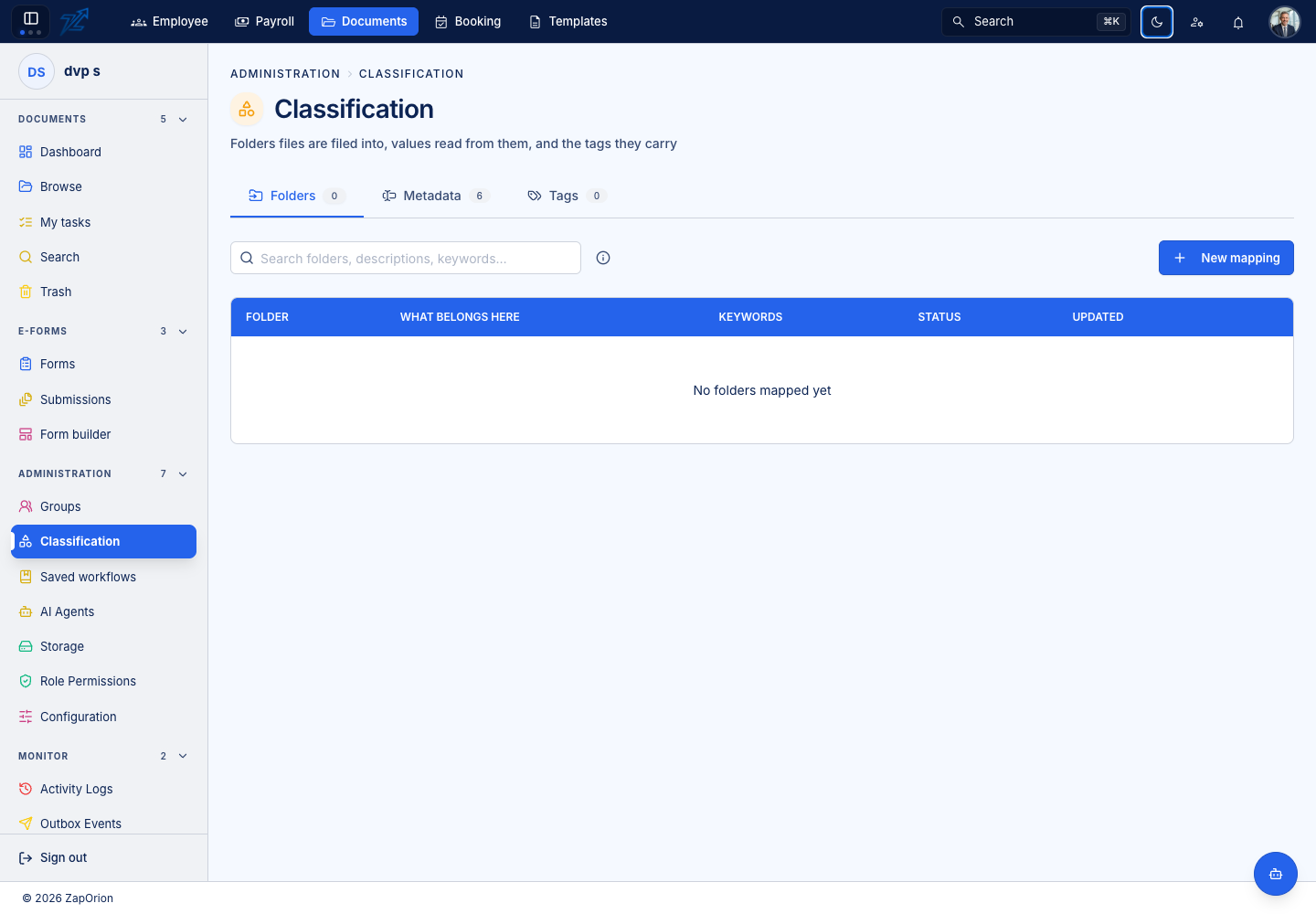
Folders: define filing mappings
Create or edit a folder mapping with a description of the documents that belong there and useful keywords. When classifying a file, the language model compares active mappings and chooses the best-fitting folder. A folder without a mapping is not chosen.
Describe the document family and distinguishing details, for example supplier tax invoices versus signed contracts. Enter relevant printed keywords. A mapping covers its own folder; map a subfolder separately when documents should land there. Disabling a mapping stops its selection while retaining the definition.
Test with a representative document and confirm the actual destination. A classification definition is separate from item permissions: moving a document can change the access it inherits.
Metadata: extract structured fields
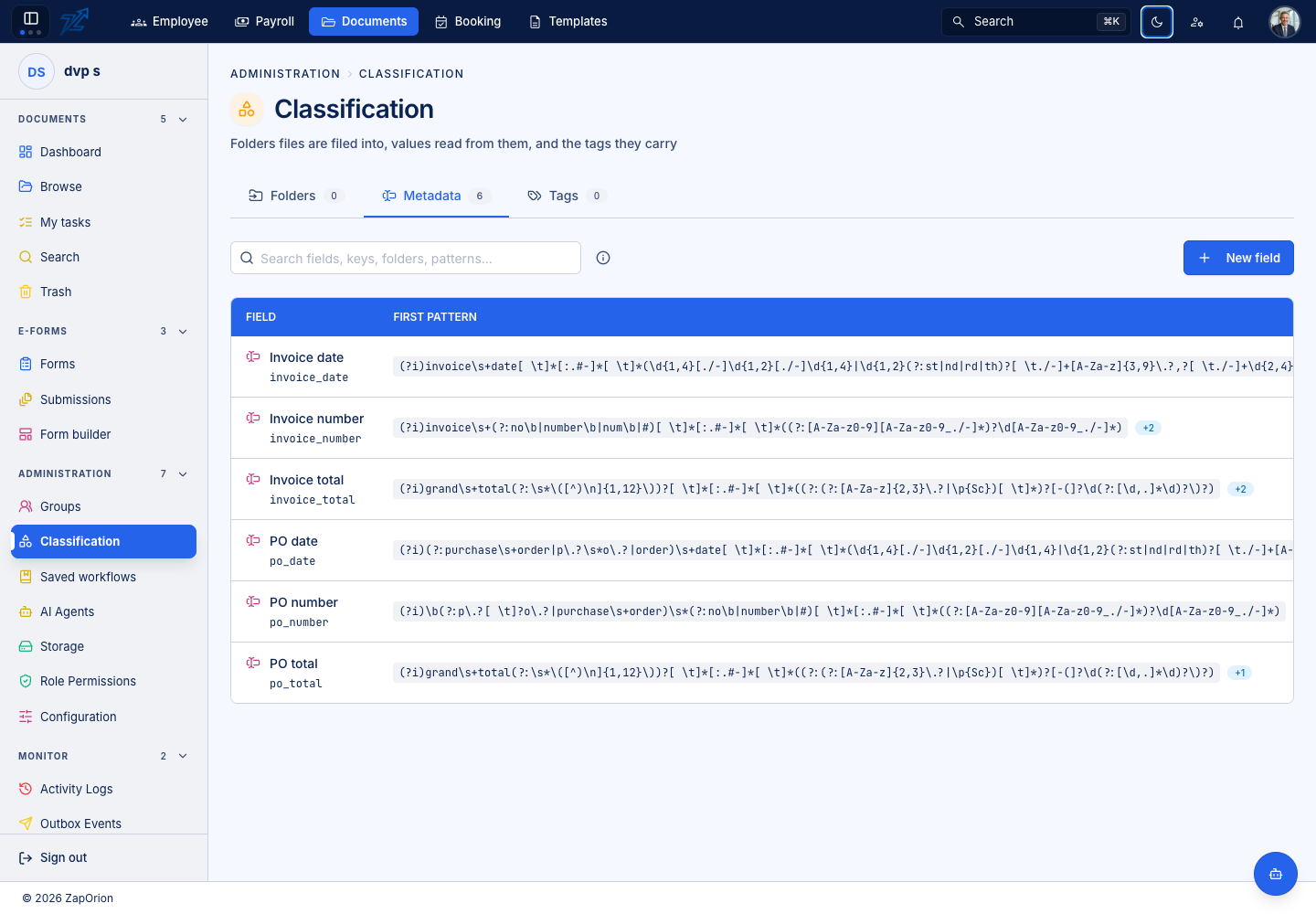
Define each field's stable name, display label, value type and applicability. Configure its extraction pattern and matching options. Set required/multiple flags only when they describe the real documents; a repeated value needs different treatment from a single total.
Use the editor's testing tools with real sample text. Check the captured value, not only that a regular expression matched. Dates and numbers should resolve to the intended type. Restrict applicable folders where a field belongs only to one document family.
Previously indexed values may need background refresh after a definition changes. Users see extracted values and eligible corrections alongside the document. Corrections are effective data; they do not rewrite the source file.
Tags: maintain the vocabulary
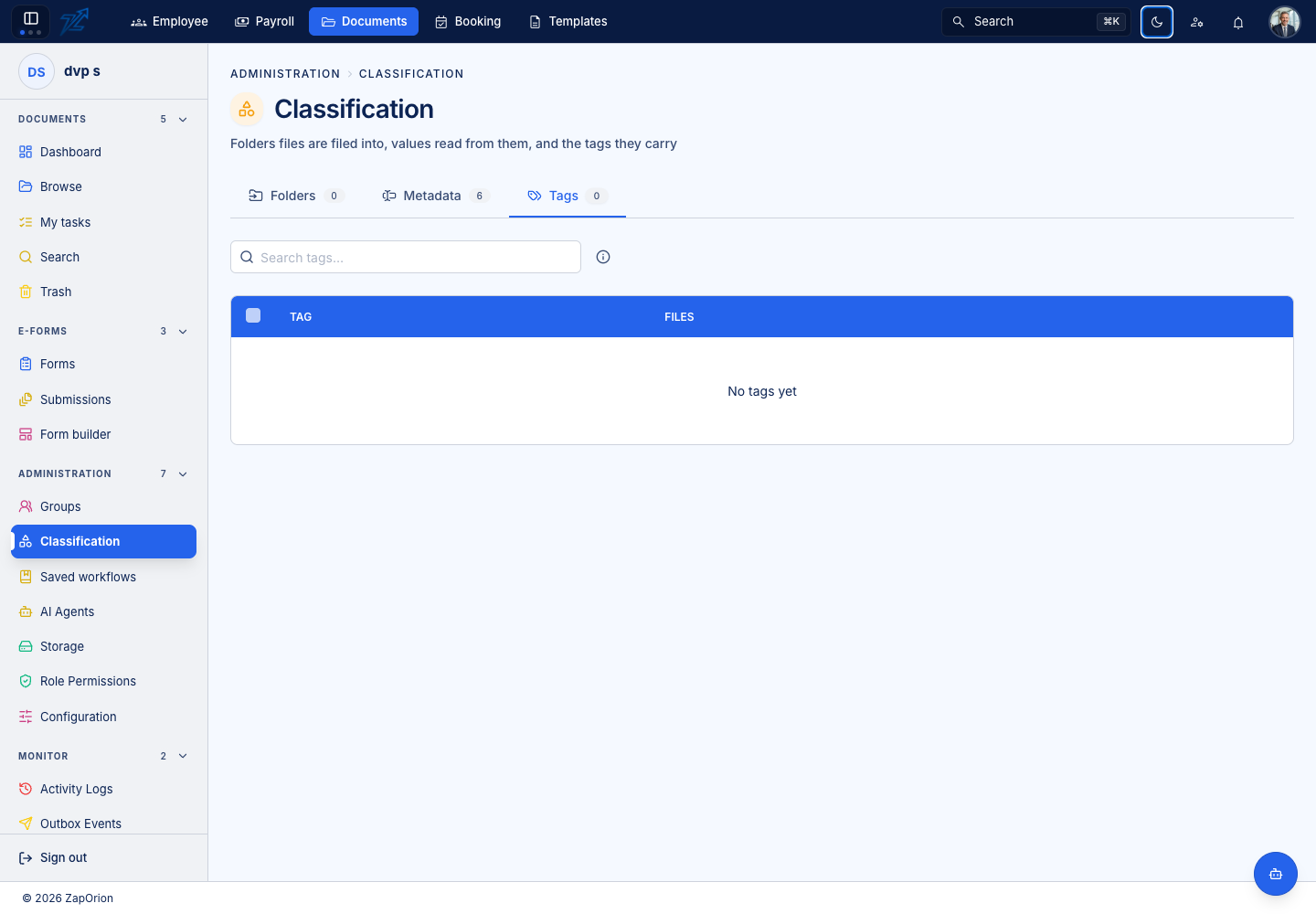
Use tags for useful categories that complement the folder hierarchy. Keep names consistent, inspect usage counts and remove unwanted tags carefully. Deleting a tag removes the label relationship rather than deleting the document itself.
For label-based pattern building, typed values and tests, see Metadata fields.
Metadata fields, tags and AI output mappings serve different purposes. An AI mapping can produce nested JSON and line items; see AI agents.