AI mappings, reads and usage
You need documents:agents. Open Administration → AI Agents for Mappings, Runs and Usage. Reads produce structured data alongside a file; they do not edit the original file.
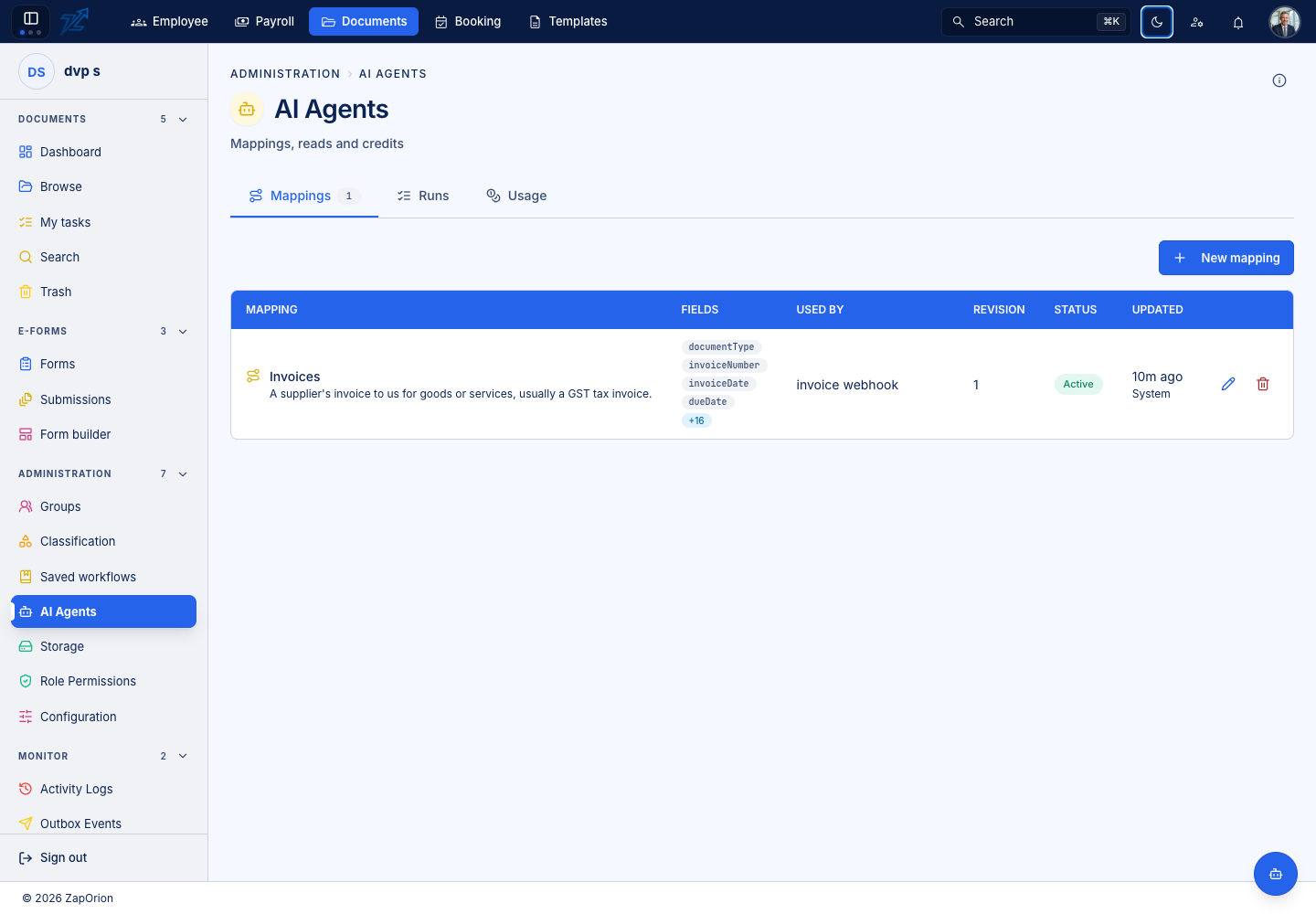
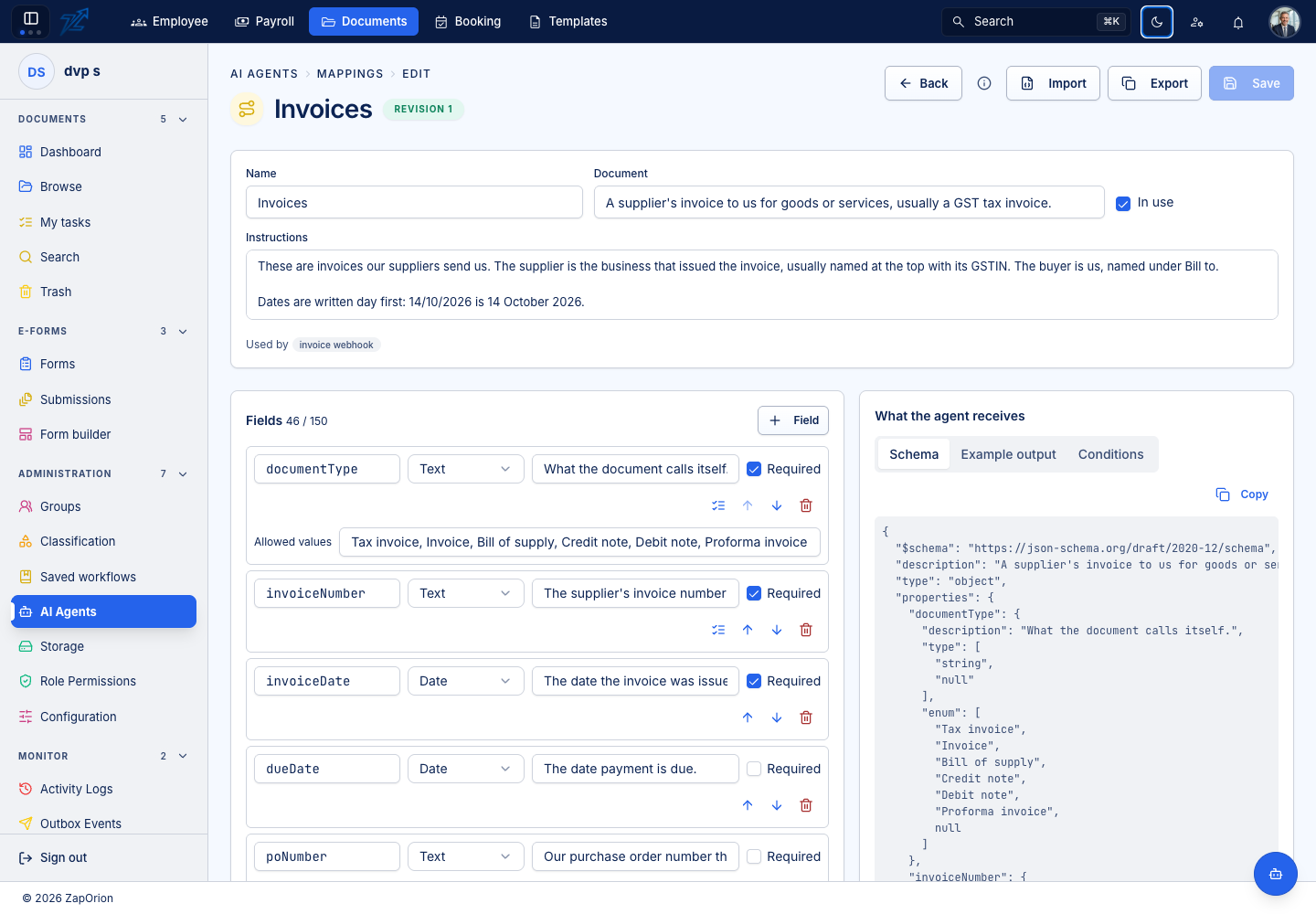
Build a mapping
- Choose New mapping and enter its name, description and document-level instructions.
- Add stable field keys using letters, digits and underscores.
- Choose Text, Number, Date, Yes/No, Group or List. Groups contain fields; lists contain repeated values or groups such as invoice lines.
- Explain what to extract in each field's description. Mark genuinely required values and define allowed text values where appropriate.
- Review the output/schema and save.
Fields can nest three levels deep. Import accepts a mapping file, JSON Schema or output example. Export copies the mapping definition. Review inferred types after importing an example. Each save creates a new revision; earlier reads retain the fields they used. A mapping in use by a saved workflow cannot be deleted or switched off.
Choose how to read
An AI workflow step selects a mapping and an available language model. OCR mode uses Paddle or Indra, followed by the selected LLM. Configure its OCR confidence threshold and uncertain-result policy. Vision LLM reads page images directly; OCR engine and OCR confidence do not apply in that mode.
A usable result with the required values takes Extracted. Missing/invalid values, uncertain reads and failures take Needs review. Always connect that review branch. A removed model does not silently switch to a different model.
Inspect runs
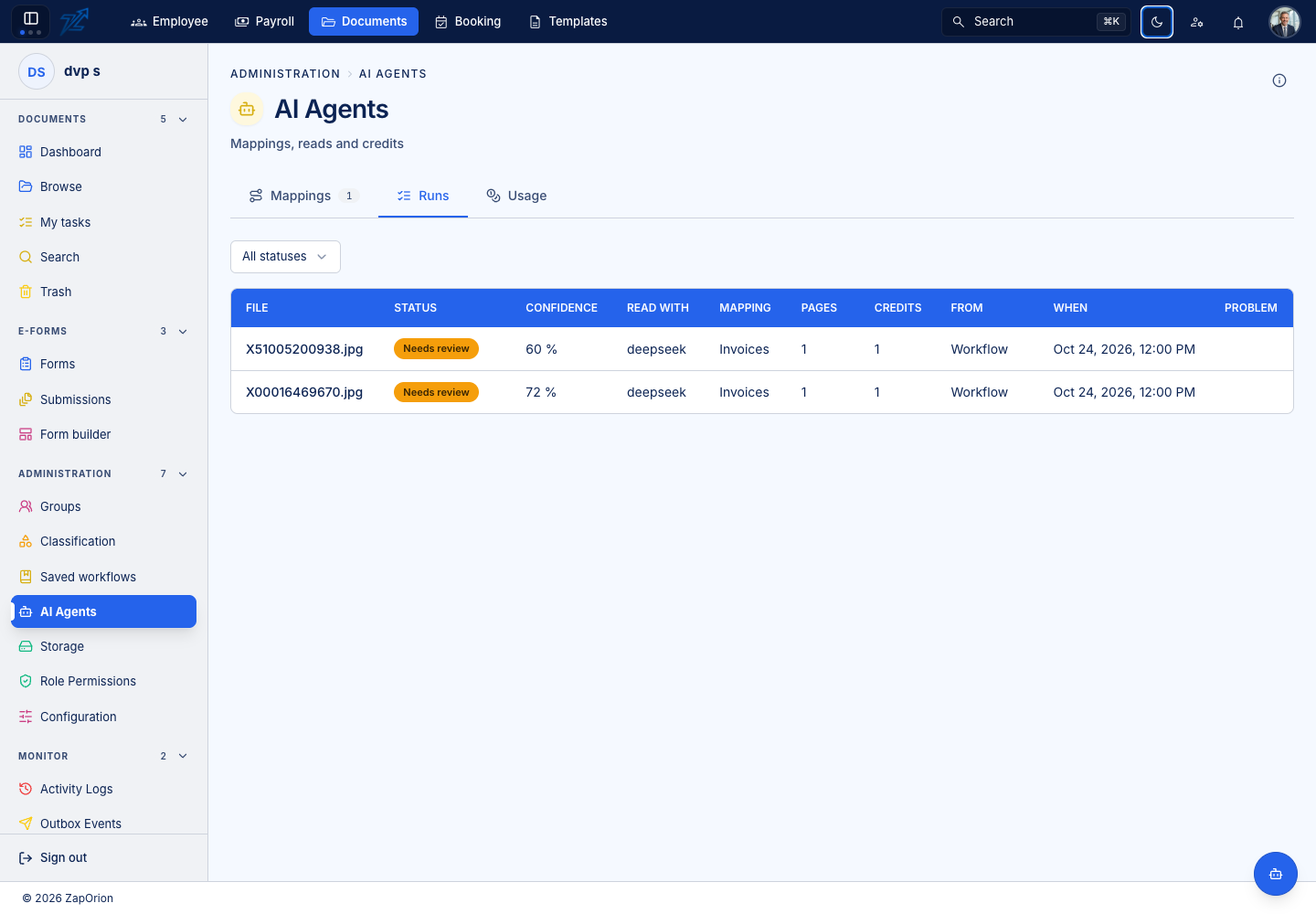
Open a visible document from the run list to inspect its Data pane. Correct values there when eligible. Trace shows grouped steps, prompts/outputs, models, timings and reported tokens with transport credentials filtered. Reused results show the earlier read's processing steps. Trace availability depends on retention.
Credits and tokens
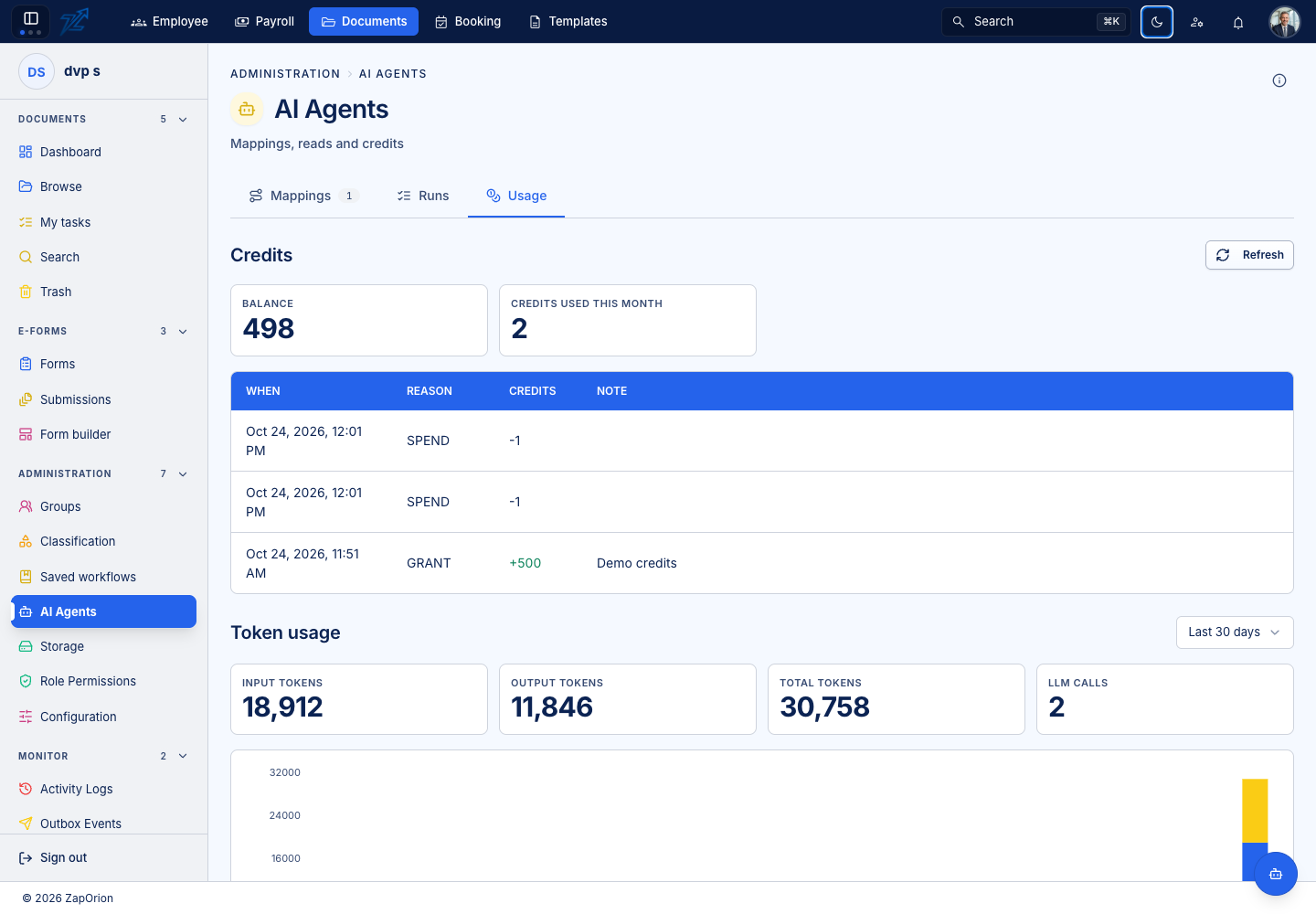
One page read costs one credit, with at least one credit per read. Reusing an equivalent earlier result for the same bytes, mapping, model and reading settings costs no additional credits and retains applicable corrections.
Answered reads, including results needing review, reduce the credit balance when they finish. The ledger can be paged and refreshes while reads are pending. Platform administrators additionally see UTC daily input/output/total token history for 30, 90 or 365 days. Failed retries and platform reruns can contribute reported tokens; reused results add none. Missing token usage is recorded separately. Token totals do not change page-credit charging.